Best For: Automated WordPress image optimization.
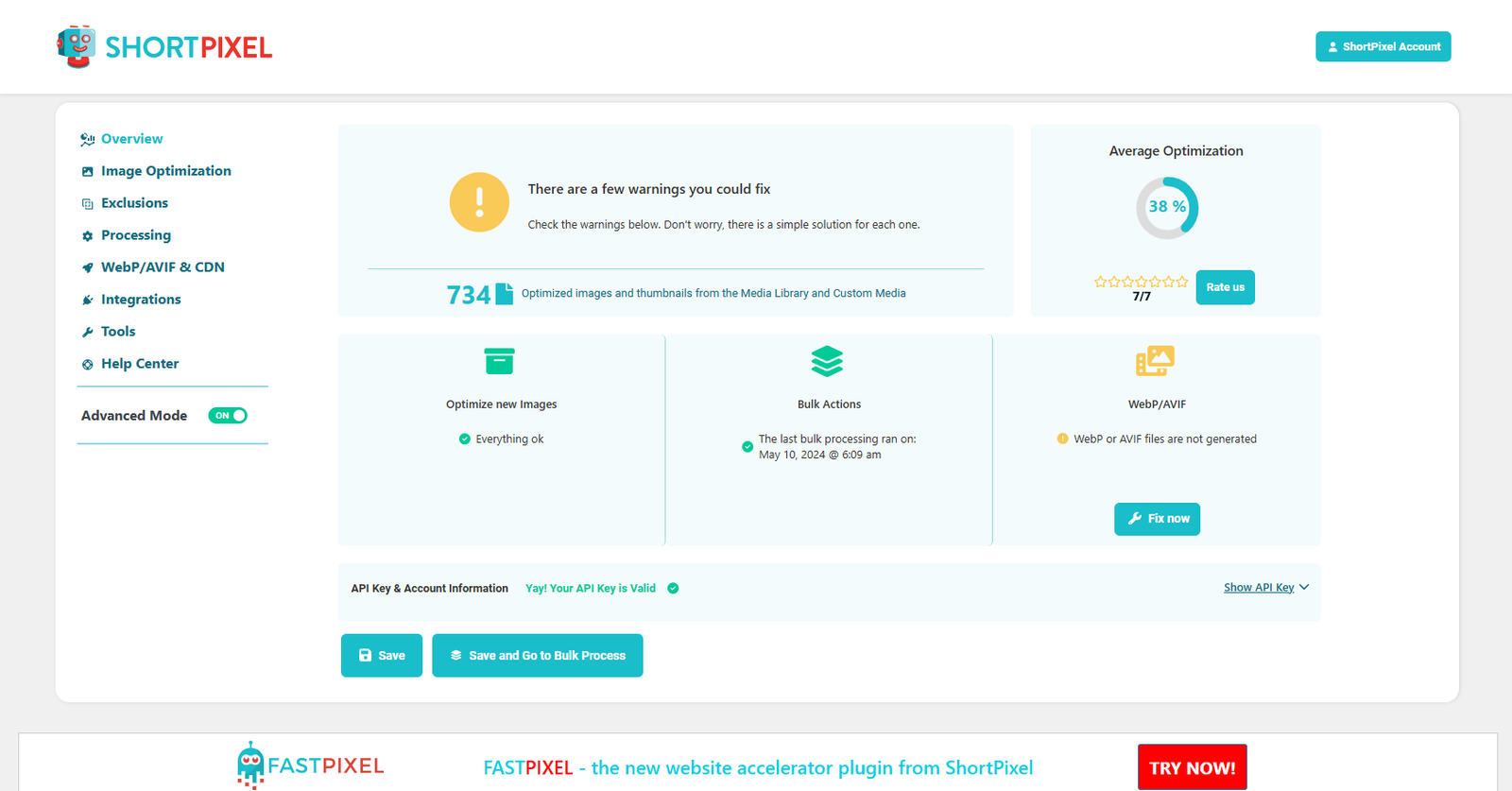
One of the most popular AI-powered image compression tools is ShortPixel. This helps you to reduce the size of your images without lowering the original quality. This tool also supports different image formats and maintains a balance between compression and quality.
Exclusive Features
- Smart AI image compression
- Three image compression algorithms.
- Original file size preservation
- Image editing features like adding or removing backgrounds, image resizing and more!
- Easy drag-and-drop upload feature
- Upto 50 image compression at a single click
- Bulk image optimization
- Lossy and lossless image compression
- Multiple file formats support, such as JPEG, PNG and GIF
- WordPress Integration
- EXIF data retention feature
- Thumbnail optimization
- URL image extraction
- WebP file conversion
- Compression level setting feature
Pricing
This tool offers a free trial plan for beginners with some basic features. To avail of the exclusive automated image compression features, try out the paid subscription plans below.
The One-time 30K plan starts at $19.99
The One-time 50K plan starts at $29.99
The One-time 100K plan starts at $49.99
The One-time 250K plan starts at $99.99
Best For: AI-powered photo enhancement and editing.
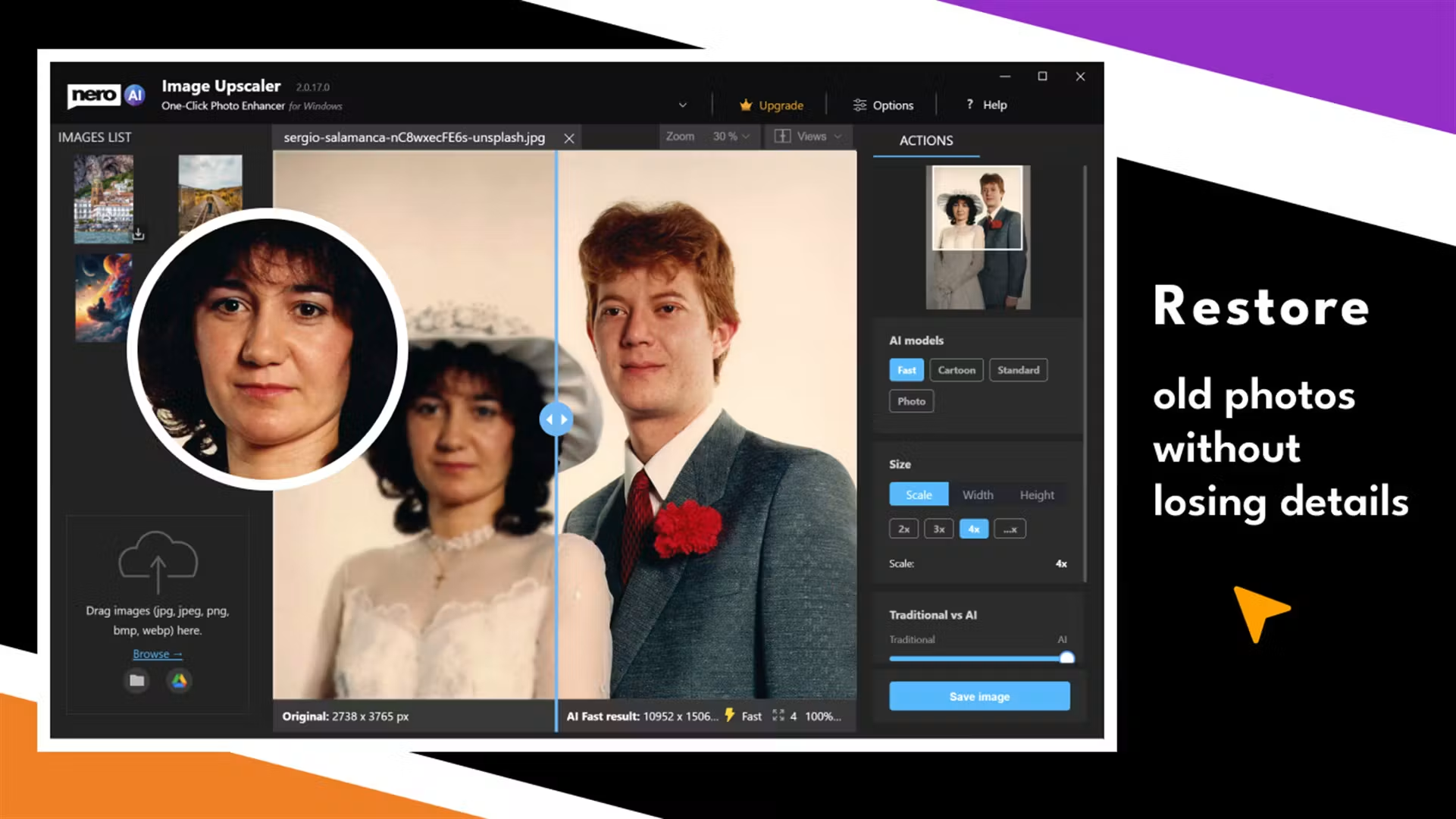
Another prominent AI tool for image compression and modifying various media files, such as images, is Nero Software. It comes with built-in features for faster image compression. Users can quickly speed up page loading times by compressing and well-optimizing images for the website.
This AI-powered software is excellent for all types of users as it is simple to access and offers a wide variety of extra editing features.
Exclusive Features
- AI image compressor
- Easy user interface
- Batch compression for multiple images
- Multiple image support
- Editing tools feature
- Multi-platform support like MAC and Windows
- Drag and drop image upload feature
- Background remover
- Object remover
- Image denoiser
- Colorize photo
- Image Restoration
Pricing
Nero AI offers a 30-day free trial plan for newbies with some limited features. To get the AI-powered image compression features, try out the annual subscription plan below.
It comes with a one-time purchase plan, and the plan starts at $49.95 for a year.
Best For: Easy image compression for WordPress websites.
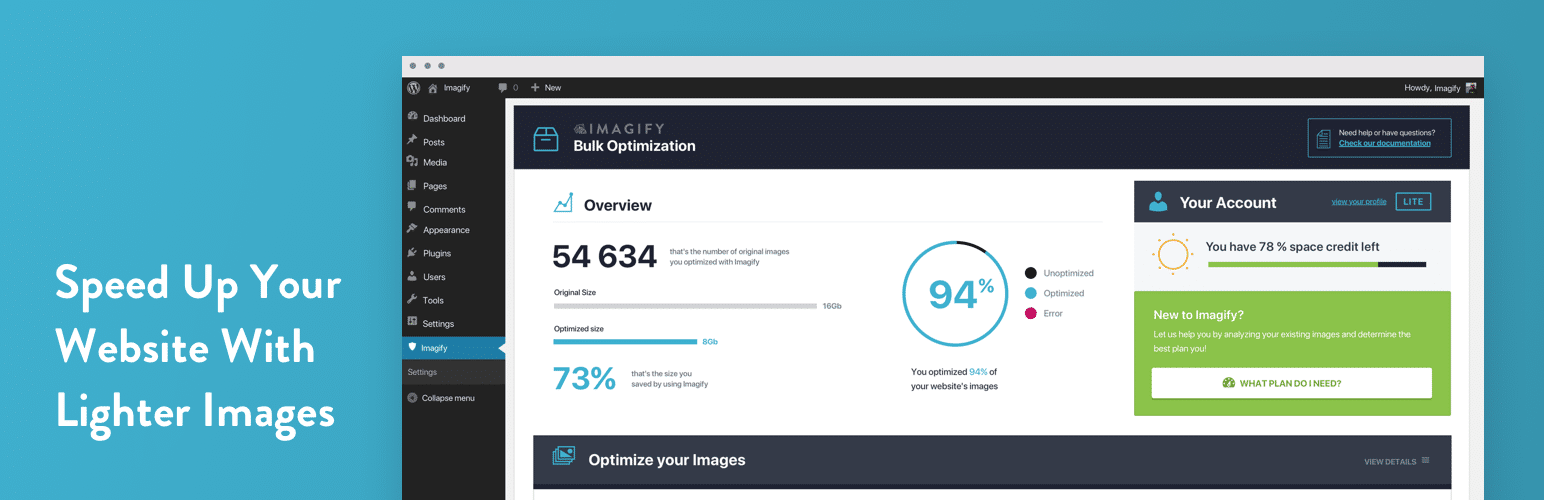
Imagify is another popular AI tool for optimizing and compressing images with a significant focus on quality and loading speed. Pictures can be compressed while managing their original resolution. It is adjustable to a range of requirements as users can choose different levels of compression, such as pixels.
WordPress and other CMSs are also highly integrated with Imagify. With the help of this tool, bloggers and web developers can do their work efficiently.
Exclusive Features
- Multiple file format support, including PNG, JPEG, JPG, GIF and PDF.
- CMS integration
- AI-image optimizer
- After/ before image compression stats
- Easy-to-use dashboard
- Image modification feature
- Auto image upload
- Original image restoration
- Three levels of image compression such as normal, aggressive, and ultra
- WordPress Integration
- One-click image compression
- Image resizer
- Lossless compression
- Automate backup creation
- Can remove EXIF data
Pricing
There is a Starter pack offered by Imagify, which is free to use upto 20MB a month. After exceeding the storage, you can update the below pricing plans;
Infinite plan starts at $11.99 a month
Growth plan starts at $5.99 a month
You can also downgrade your plan whenever you want to change.
Best For: API-based image optimization and delivery.
Uploadcare is another excellent tool for more outstanding image management and compression for better SEO scores. It offers one-stop cloud-based solutions that encourage users to boost their image quality with the original image restoration feature.
This AI tool can compress images without compromising previous quality and offers multi-file format support. It is great for developers and agencies due to its effective integration with applications and websites.
Exclusive Features
- Real-time image compression
- API integration
- Image editing features
- Multiple file format support
- Easy access to cloud storage
- Drag and drop upload feature
- Modern image format support such as AVIF, HEIC and WebP file support
- Bulk image compression
- Smart image compression options
- Adaptive image delivery feature
- In-built CDN
- Background remover
- Photo filters
- Different effects options
Pricing
This tool offers a free trial plan offering some basic features such as 10MB max file size, signed uploads, 10,000 operations each month and more. To avail of more features, opt for the plans below;
The Pro plan starts at $79 a month
The Business plan starts at $199 a month
The Custom plan is according to user demands.
Best For: Quick online image compression.
This is another specialized AI tool which helps in better image compression and optimization. Its easy and straightforward interface helps your images compress quickly and reduces the loading speed of websites.
This tool does not comprise image quality, which is an essential factor for websites to boost SEO scores. Shrink media also offers auto backup features and chained transformations.
Exclusive Features
- Bulk image compression
- User intuitive interface
- Multi-file format support
- Free browser extension
- Batch processing
- Side-by-side comparison
- Image optimization for web
- Dimension adjustment
- Cloud-based platform
- High DPI displays
- Progressive rendering
- URL pasting compression options
Pricing
Shrink Media offers a free plan for each user with upto three free credits and three free downloads. Once exceeding the limit, you can choose from the below pricing plans;
The Subscription plan
The pay-as-you-go plan
The Enterprise plan
You might pay $19 for 45 credits, $39 for 100 credits and $59.50 for 200 credits.
Best For: Manual JPEG and PNG compression.
Optimizilla is one among other popular AI tools that reduces the size of the file by integrating various image compression algorithms. Users can easily upload multiple images at a time.
From new users to expert professionals can use this tool due to its simple drag-and-drop user interface. Your images might look stunning after compression as you don’t compromise on quality and view the results immediately.
Exclusive Features
- Lossy compression
- Multiple image compression feature
- Multiple image format support
- Manual image quality adjustments
- Slider view options
- Bulk image download option
- Drag and drop feature
- Automated image compression
- Different compression level selection feature
- Before compression, image preview options
Pricing
Optimizilla is a free and open-source platform. You can compress your images without sacrificing quality with the help of this tool.
Best For: Simple online image compression.
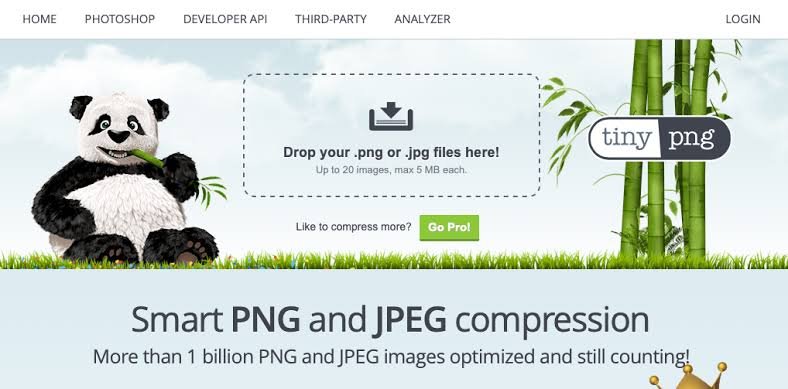
TinyPNG helps reduce image file sizes while maintaining good visual quality. It is useful for bloggers, designers, and website owners who need quick, hassle-free compression.
Exclusive Features
- Batch image compression
- Supports WebP, PNG, JPEG, and other formats
- API integration for automated workflows
Pricing
A free plan is offered along with paid plans;
The Web Pro plan starts at $3.25 a month
The Web Ultra plan starts at $12.42 a month
Best For: Lossy and lossless image compression.
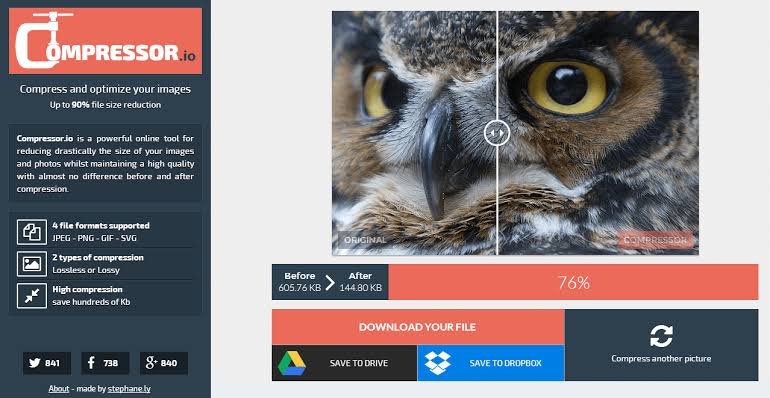
Compressor.io lets users reduce image file sizes while choosing between lossy and lossless compression for supported formats.
Exclusive Features
- Lossy and lossless compression modes
- Online image optimization
- Supports multiple image formats
Pricing
A free plan is offered along with paid Web Compressor Pro with $50 starting a year.
Best For: Resizing images to specific dimensions.
Image Resizer helps users change image dimensions for websites, social media, and other digital projects. Available features depend on the specific service.
Exclusive Features
- Custom width and height settings
- Image resizing for different platforms
- Support for common image formats
Pricing
Paid pricing plans are available along with a free plan offering some basic features. Paid plan are;
Pro plan starts at $6.99 a month
Ultra plan starts at $9.99 a month
Best For: AI-assisted image resizing and optimization.
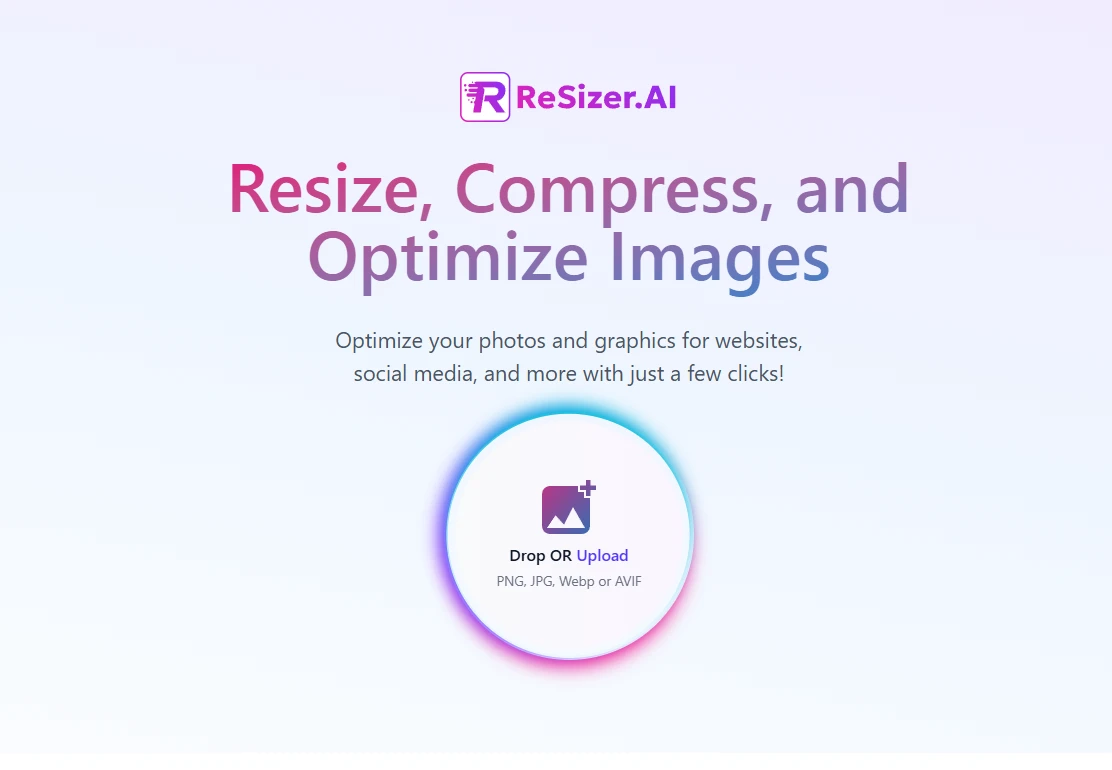
ReSizer AI is an option for users looking to simplify image resizing and related optimization tasks. Check its current capabilities to confirm which features are supported.
Exclusive Features
- AI-assisted image resizing, where supported
- Simplified image-processing workflow
- Online access without paid subscriptions
Pricing
This tool is completely free to use, no paid plans are offered.
Let’s not waste your valuable time getting confused about choosing the right one for you.