10 Best AI Audio Enhancers in 2026: Free & Paid Tools Compared

SUMMARIZE THIS POST USING AI
Are you tired of producing poor-quality audio files? Have you ever noticed that low volume, background noise, and unclear voice can lead to a bad audio experience? You might become frustrated if you have been facing such issues for long.
Many podcasters or content creators are facing such difficulties and looking for solutions to eliminate this problem. AI audio enhancer tools have been trending in the world since 2026.
From cleaning up audio to improving sound quality, such AI audio enhancers are offering all-in-one solutions. In this blog post, I will elaborate on the top 10 AI audio enhancer tools for better audio quality in 2026. I will also point out their exclusive features and pricing details below.
Let’s find out how these AI tools can make your audio files more professionally tuned with higher-quality audio files.
1. Adobe Podcast Enhance Speech
Best for: Quick voice and podcast enhancement
Adobe Podcast Enhance Speech is an excellent AI audio enhancer tool crafted to boost the quality and clarity of recorded audio files. This tool removes background noises and helps in vocal tone adjustments,
Adobe Podcast is a one-stop solution for Podcasters and content creators. This Tool makes your voice finely tuned and professional. It is highly recommended to content creators, Audio sound professionals, and Podcasters with a requirement for higher and clearer voice recordings.
Standout Features
- Background noise removal
- Easy-to-use dashboard
- Minimal settings
- No need to install any additional software
- Vocal richness and clarity boosting
- Echo reduction
- Bulk upload files
- No downloading limits
- AI analysis for microphone setup
- Strength Adjustment
- Enhance More feature
- Podcast logos
Pricing
It offers a free 30-day trial plan for basic audio editing features. If you want to avail yourself of exclusive features like audio strength adjustment, you must opt for their paid pricing plan known as Express Premium, which starts at $9.99 a month.
Verdict: Best choice for beginners and creators who want quick voice cleanup.
2. Auphonic
Best for: Best for podcast mastering
Auphonic is another audio tool that helps you to reduce hum and background noise to make it professionally tuned. This is one of the best audio enhancer tools used in the music industry. Auphonic also trims unrelated parts of the audio automatically and uses filler words to cut the silence.
It also helps you to generate audio transcriptions to show better notes. It is a go-to solution for many professionals in the audio industry seeking a fast and simple platform to tune their audio sound finely.
Standout Features
- Built-in optimum encoding
- Voice cleaning
- Voice leveling
- Speech recognition
- 80+ language editing
- Noise and reverb reduction
- Intelligent leveler
- Hum reduction feature
- Multitrack productions
- Multitrack algorithms
- Silence cutting and filler
- Automated chapters and show notes
- Loudness specifiers
- AutoEQ
- Batch productions
- Audiograms
- Multiple platform integration, such as Dropbox
- Watch folders
Pricing
Auphonic offers a monthly free 2-hour plan with minimal audio editing and enhancement features. Rather than free plans, it also offers two paid plans, and they include;
- Recurring Credits Monthly plan starts at $13 a month
- Time credits Monthly plan starts at $12 a month
Verdict: Best for podcasters who want automated audio finishing
3. VEED.io
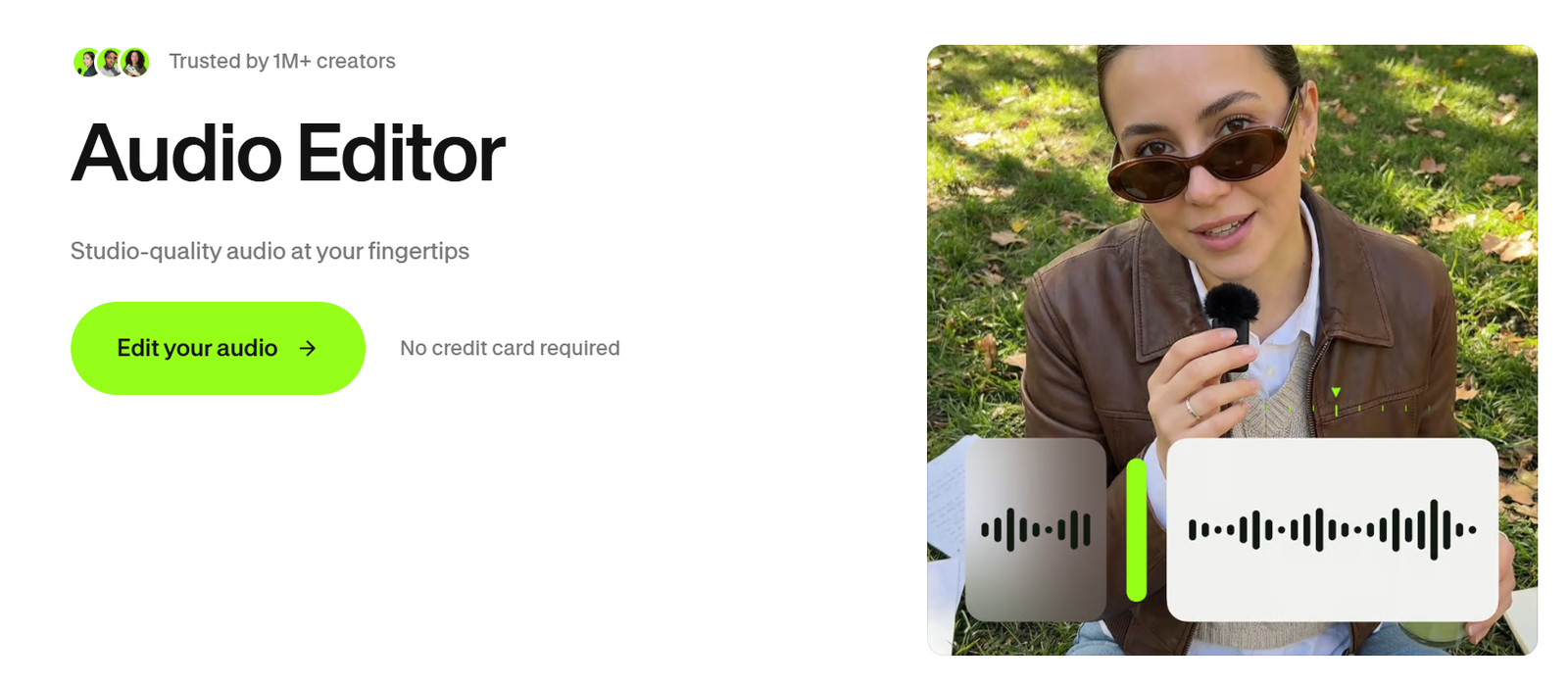
Best For: AI audio enhancement in videos
The AI audio enhancer of VEED.io is highly recommended due to its fast background noise reduction and audio clarity adjustment features. Simple audio enhancement features like noise and hum removal, audio trimming and cutting, clarity enhancement, and more are offered through this one-stop platform.
Standout Features
- Loop audio
- Clean audio feature
- Easy drag-and-drop interface
- Background music addition
- Sound effects
- Reduce background hum and noise
- Audio cleaner
- Cut, split, and trimming of audio clips
- Multiple file types support such as MP3, M4A, and WAV
- AI background noise remover
- Stock audio edit
- AI audio editing
- Clip rearrangement feature
- Voice over feature
Pricing
VEED.io offers a free trial plan with some minimal AI audio enhancement features. If you are looking for higher-quality audio enhancement and clarity features, you must go for their paid subscription plans below;
- The Lite plan starts at $12 a month for beginners
- The Pro plan starts at $24 a month for beginners
- The Enterprise plan is a custom-built plan that is based on need.
Verdict: Best for YouTube and video creators
4. Audio Enhancer AI
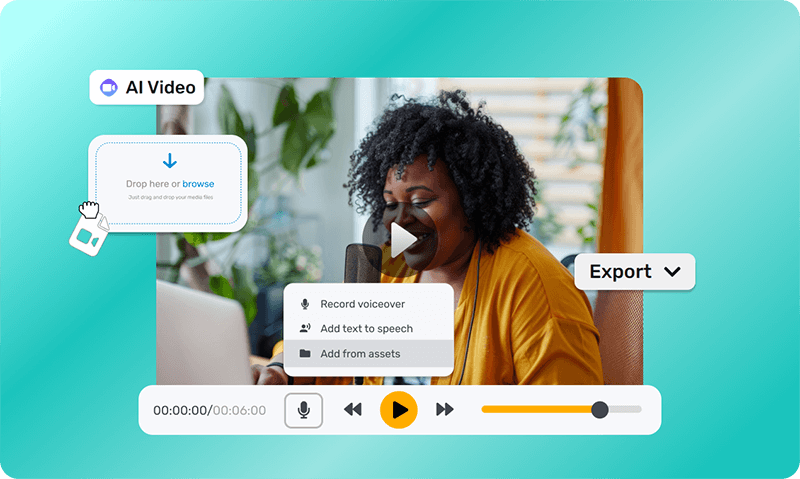
Best for: Quick online audio enhancement
This popular AI audio enhancer tool employs advanced AI-powered techniques to boost the quality and clarity of your audio with just a few clicks. This AI-powered tool reduces background noise and hums and adjusts different sound levels.
This is highly recommended to content creators, podcasters, and professional voice artists for creating professional and polished audio experiences.
Standout Features
- Hum reduction
- Vocal removal
- Echo removal
- Automated noise reduction
- Bulk upload support
- AI sound enhancing
- Loudness correction
- Music files and speech support
- Voice clarity improvement
- Easy interface
- Fast processing
- Plosive reduction
- Mouth click reduction
- Sibilance reduction
- Plosive reduction
- One-click background noise removal
Pricing
A free trial plan is available through another excellent AI-powered app known as Audio Enhancer.ai. This platform offers limited audio editing features. If you wish to explore higher-quality audio with better clarity and professional tuning, you must go for their paid subscription plans below;
- The Basic plan starts at $10 a month for beginners
- The Pro plan starts at $45 a month for beginner
- The Studio plan starts at $90 a month for beginners
Verdict: Best for users who want simple browser-based enhancement
5. ElevenLabs Voice Isolator
Best for: Isolating speech from background noise
This AI-powered audio enhancer is free and open-source. It is highly recommended to beginners as well as experts due to its easy user interface, robust audio mixing feature, and AI voice isolator.
The multiple audio format support feature of ElevenLabs voice isolator makes it simpler to employ for different audio adjustment tasks. From volume adjustments to noise reduction and noise equalization, advanced denoising, Voice Isolator does its job perfectly.
Standout Features
- Versioned backups
- Cross-platform support
- Voice agents
- Multitrack audio editing
- Voice isolator
- Deep audio analysis
- Voice design
- Sound effects
- Text to speech
- Dubbing studio
- Easy interface
- A wide variety of effects and filters
- Precision adjustments
- Instant voice cloning
- Multiple audio format support
- Interface enhancement
Pricing
A free version is available. But you can experience seamless audio experiences with paid plans below,
- The Starter Plan starts at $1 per month
- The Creator Plan starts at $11 per month
- The Scale Plan starts at $299 per month
- The Business Plan starts at $990 per month
Verdict: Best for separating voice from noisy recordings
6. Descript Studio Sound
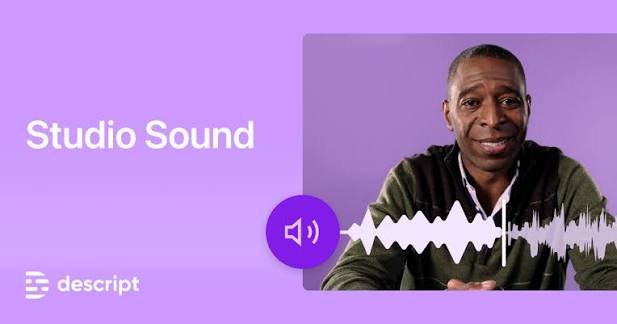
Best for: Podcast editing + voice enhancement
Descript Studio Sound is another significant AI audio editing tool with excellent audio file adjustment features. It has stunning sound transcription features that help you conduct high-performing audio functions like automated background sound reduction, audio editing, AI podcasting assistant, and more!
It also offers sound level-up and fast editing options for a better and professionally made audio track.
Standout Features
- Voice cloning
- Regenerative AI
- Underlord AI editor
- File-Level Effect
- Brand Studio
- Studio sound
- Text-based editing
- Voice cloner
- Real-time edit and recorder
- Removing filter words
- Working offline feature
- Automated transcription feature
- Nested timelines
- Remote recording option
- Split audio online
- Audio extractor
- Cloud media library
Pricing
A free trial of 30 days is given via Descript, which has minimal audio enhancement features. If you wish to experience better-quality and highly clarified audio enhancement features, you must choose the subscription plans below;
- The Hobbyist plan starts at $16 a month
- The Creator plan starts at $24 a month
- The Business plan starts at $50 a month
A custom-built Enterprise plan for customized solutions for better audio clarity and noise reduction.
Verdict: Best for creators who want editing and enhancement in one workflow
7. Adobe Audition
Best for: Professional audio editing & restoration
This is another professional audio editing and adjustment tool powered by AI for a higher audio quality experience. This tool offers you plenty of audio enhancement features such as audio polish, repair, clear and clarity improvement.
For those who require accurate audio control with each little bit of audio data, this AI audio enhancer tool is perfect for them. Therefore, this tool is highly useful for Podcasters, Video editors, Musicians, and Voice actors.
Standout Features
- Multitask user interface
- Noise reduction
- Audio backup
- Remixing
- Nondestructive editing
- Spectral frequency display
- Real-time sound effects
- Record podcasts
- Multitrack mode feature
- Variable playback speed
- Effects rack
- Easy studio tool
- AI-integrated audio mastering
- Audio FX
- Spectral editing
- Hum reduction
- Creative suite integration
- Custom Workstation
Pricing
This tool offers a free 7-day trial plan with very few basic features to adjust and modify your audio recordings.
Other than a free trial plan, it also offers a paid subscription plan starting at $22.99 a month to get exclusive features like spectral sound editing and more!
Other than a free trial plan, it also offers a paid subscription plan starting at $22.99 a month to get exclusive features like spectral sound editing and more!
Verdict: Best for advanced users who want manual control
8. Krisp
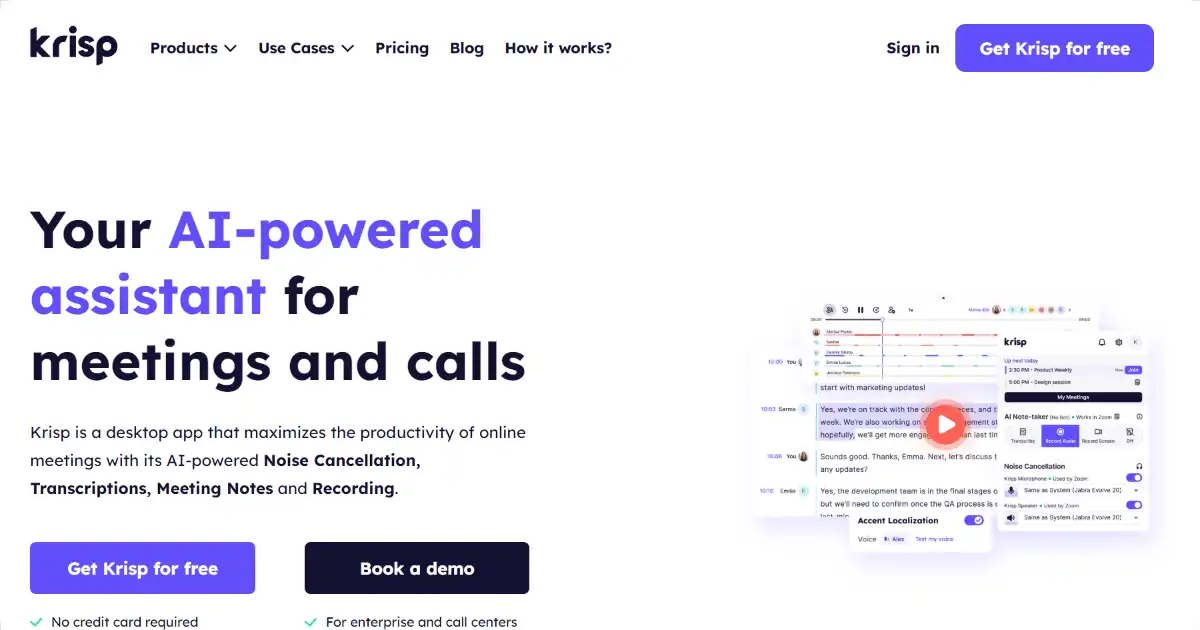
Best for: Real-time noise cancellation in calls
This is another major AI-integrated tool built specifically for calls and meetings. From transcriptions to automated meeting note-taking and noise cancelling, Krisp is doing its job accurately.
This tool is perfect for users who work remotely or in call centres full of background noises or individuals who need clear audio files.
Standout Features
- AI-powered noise and hum cancellation
- Echo reduction
- Real-time sound effects
- On-device transcriptions
- Multiple communication app support
- Ai accent localization feature
- AI note taker
- Voice clarity enhancement
- AI meeting transcriptions
- AI live interpreter
Pricing
Krisp offers a free plan for individuals with minimal calls with features like unlimited transcriptions, AI noise cancellation, Custom vocabulary and more!
- The Pro plan starts at $16 a month
- The Business plan starts at $30 a month
Verdict: Best for meetings, online classes and live communication
9. Cleanvoice AI
Best for: Podcast cleanup and unwanted sound removal
Cleanvoice AI is another top-rated AI audio enhancer and video editor designed primarily for podcasters and content creators. It can automatically remove filler words, background noise, long silences, mouth sounds, breaths and stutters while also enhancing overall audio quality. It can also transcribe and summarize podcast content, making it useful beyond basic noise reduction.
Standout Features
- AI background noise removal
- Filler word removal
- Mouth and breath sound removal
- Stutter removal
- Long silence/dead-air removal
- Studio-quality audio enhancement
- Podcast mixing and multitrack editing
- Audio/video transcription and summaries
- Echo and reverb removal
- Supports podcast and video workflows
Pricing
30 days free trial is offered with Cleanvoice AI. Paid plans are also there for upgraded versions;
- The Pay as You Go plan
- The Subscription plan
- The Custom plan
Verdict: Best for automated podcast cleanup
10. Xound.io
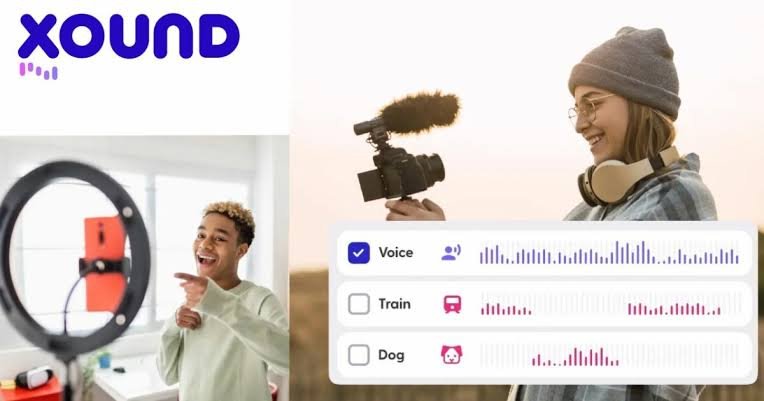
Best for: One-click voice enhancement and noise removal
Xound.io is an AI-powered audio enhancement tool built for podcasters, YouTubers and content creators who want to improve voice recordings without complicated audio-editing software. It can remove background noise, room echo and other unwanted sounds while improving voice clarity and leveling audio automatically.
Standout Features
- One-click AI audio enhancement
- Background noise removal
- Hiss, hum, wind and chatter reduction
- Room echo and reverb removal
- Voice clarity and speech enhancement
- Automatic loudness normalization
- Studio Voice Restoration for heavily degraded recordings
- Supports audio and video files
- Local processing for privacy
- Mobile workflow through WhatsApp integration
Pricing
It offers free plan along with some advanced feature added paid plans;
- The Single Use plan starts at $4.99
- The Pro Plan starts at $11.99
Verdict: Best lightweight option for creators


Editorial Policy & Quality Guarantee
Editorial Policy: Every article published on W3 Web School is reviewed for accuracy, updated periodically, and based on official documentation, trusted industry resources, and practical research before publication.