Project 01
Commercial Brand Advertisement
Learn how to edit promotional videos for businesses by combining footage, transitions, text animations, music, and brand elements into a high-converting marketing video.
Tools
At W3 Web School, our Video Editing Course in Dumdum focuses on practical editing skills, software-based training, project work and portfolio preparation.Learn editing workflows using Adobe Premiere Pro, After Effects, Photoshop and CapCut (as covered in the course) and explore career paths with digital agencies, creative studios, media teams, content creators and post-production companies. Hiring depends on your skills, portfolio and each employer’s requirements.






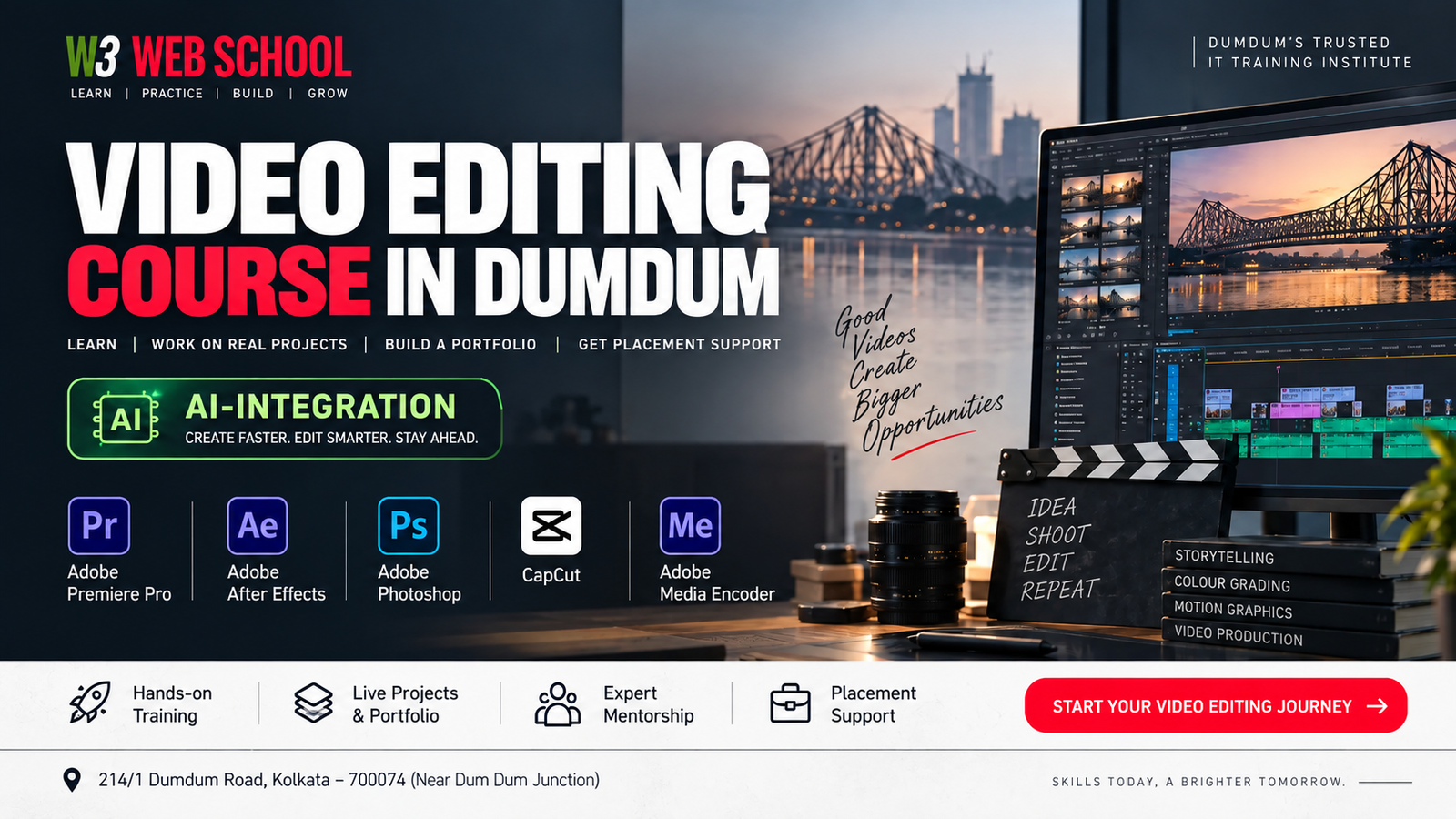
Want to edit videos like a professional? Master trending tools like Adobe Premiere Pro, After Effects, CapCut, and Photoshop with our Video Editing Course in Dumdum .Work on real-world projects and make appealing visuals using industry-led tools.
At W3 Web School, our industry experts not only teach you, but also focus on your career building. We know the value of learning, and that’s why we prioritise a hands-on learning approach.
The video editing industry has been emerging fast. According toMordor Intelligence,the video editing market is projected to reach USD 3.75 billion in 2026 and is projected to reach USD 4.99 billion by 2031 .There is also a projected 3% employment growth for film and video editors from 2025 to 2035 as demand for digital video content continues to grow.
This course is designed for freshers, working professionals, career switchers, creative individuals, and content creators. Our trainers make learning simple for you with a practical learning approach and continuous support.
Learn video editing step by step through practical modules covering professional editing workflows, Premiere Pro, motion graphics, colour grading, audio, social media videos, modern editing workflows, portfolio development and career preparation.
Organise raw footage and create your first edited video sequence.
Builds essential asset management habits required for entry-level editing roles and studio environments in Kolkata.
Edit a complete YouTube-style video from raw multi-take footage.
Masters the industry's primary video editing platform, opening doors to content agency and digital marketing roles.
Create a cinematic promotional video utilizing multi-cam cuts and dynamic speed ramps.
Prepares you for high-paying commercial, event, and film editing projects requiring complex timeline control.
Design a custom animated intro and outro suite for a YouTube channel.
Adds Motion Graphics capability to your skill set—a high-demand requirement for modern media agencies.
Transform flat raw footage into a professional cinematic sequence using professional colour correction and grading techniques.
Builds specialised colour grading skills useful for film trailers, music videos, advertisements, and branded content.
Edit, enhance, and mix dialogue with sound effects for an interview or podcast episode.
Ensures professional audio quality, a critical requirement for broadcast media and podcast production houses.
Create 3 high-engagement vertical short-form videos with auto-captions and trending effects.
High-demand skill set for social media agencies, D2C brands, influencers, and content creators.
Edit a professional promotional commercial video following a formal business client brief.
Prepares you for high-value corporate retainers, advertising agency jobs, and commercial video projects.
Use available editing features in tools such as Adobe Premiere Pro and CapCut to organise footage and complete editing tasks efficiently.
Future-proofs your editing career by helping you work efficiently with modern post-production workflows.
Compile and publish a complete portfolio containing a 60-second showreel and multiple project case studies.
Serves as your key proof-of-work asset required to secure job interviews and freelance client contracts.
Export master video files optimized for YouTube, Instagram, corporate clients, and commercial playback.
Ensures technically accurate project deliverables with correct formats, codecs, resolution, and platform specifications.
Complete a mock interview and portfolio review presentation with 1-on-1 mentor feedback.
Transitions your learning directly into full-time employment, internships, or active freelance editing contracts.
Gain hands-on exposure to the editing, design, AI and production tools used across modern video editing workflows, content creation and post-production.
 Adobe Premiere Pro
 Adobe After Effects
 Adobe Photoshop
 CapCut
 Adobe Media Encoder
 ChatGPT
 Google Gemini
Build practical editing experience through real-world project formats covering commercial content, YouTube, short-form video, corporate work, weddings, podcasts and product promotions.
Learn how to edit promotional videos for businesses by combining footage, transitions, text animations, music, and brand elements into a high-converting marketing video.
Edit long-form YouTube videos using professional editing techniques, clean transitions, audio balancing, subtitles, and engaging storytelling to maximize retention.
Create fast-paced vertical videos with captions, motion effects, trending transitions, and platform-friendly editing styles for Instagram, YouTube Shorts, and Facebook.
Work on professional business presentations, company profile videos, training content, and promotional videos that reflect real client requirements.
Learn how to edit cinematic wedding highlights and event videos using colour grading, smooth transitions, background music, and emotional storytelling techniques.
Edit interviews and podcasts by improving audio quality, synchronising video, adding lower thirds, removing unnecessary pauses, and exporting for multi-platforms.
Create short promotional videos suitable for e-commerce brands, startups, and social campaigns using motion graphics, text animation, and professional editing.
“Before joining W3 Web School, I had very little practical knowledge of video editing. The course was structured in a way that made every topic easy to understand, even for beginners. I particularly enjoyed working on real editing projects because they helped me apply what I learned in class. The mentors were approachable, explained concepts patiently, and provided useful feedback after every assignment. By the end of the course, I had built a portfolio that gave me much more confidence while applying my skills to real projects.”
“I was looking for a course that focused on practical learning rather than only software demonstrations, and this training matched my expectations. The hands-on assignments, classroom practice, and mentor support helped me improve steadily throughout the course. I also appreciated the guidance on portfolio creation and interview preparation, which made the learning experience more career-focused. I would recommend this course to anyone who wants to build strong video editing skills.”
“The best part of the course was the project-based learning approach. Instead of simply learning editing tools, we worked on different types of videos, including social media content and promotional projects. This practical training helped me understand professional editing workflows much better. The learning environment was friendly, and every doubt was answered with patience. I completed the course with greater confidence in my editing abilities.”
“I wanted to learn video editing for freelance projects and content creation. The course provided a good balance between technical knowledge and practical training. Working on different editing assignments helped me understand how live projects are managed from start to finish. The mentors were supportive throughout the learning journey, and the overall classroom experience was engaging and motivating.”
Learn video editing from experienced mentors who focus on practical editing workflows, professional software, portfolio development, and industry-oriented learning. Get hands-on guidance and project feedback throughout the course.
Senior Video Editing Trainer & Content Strategist
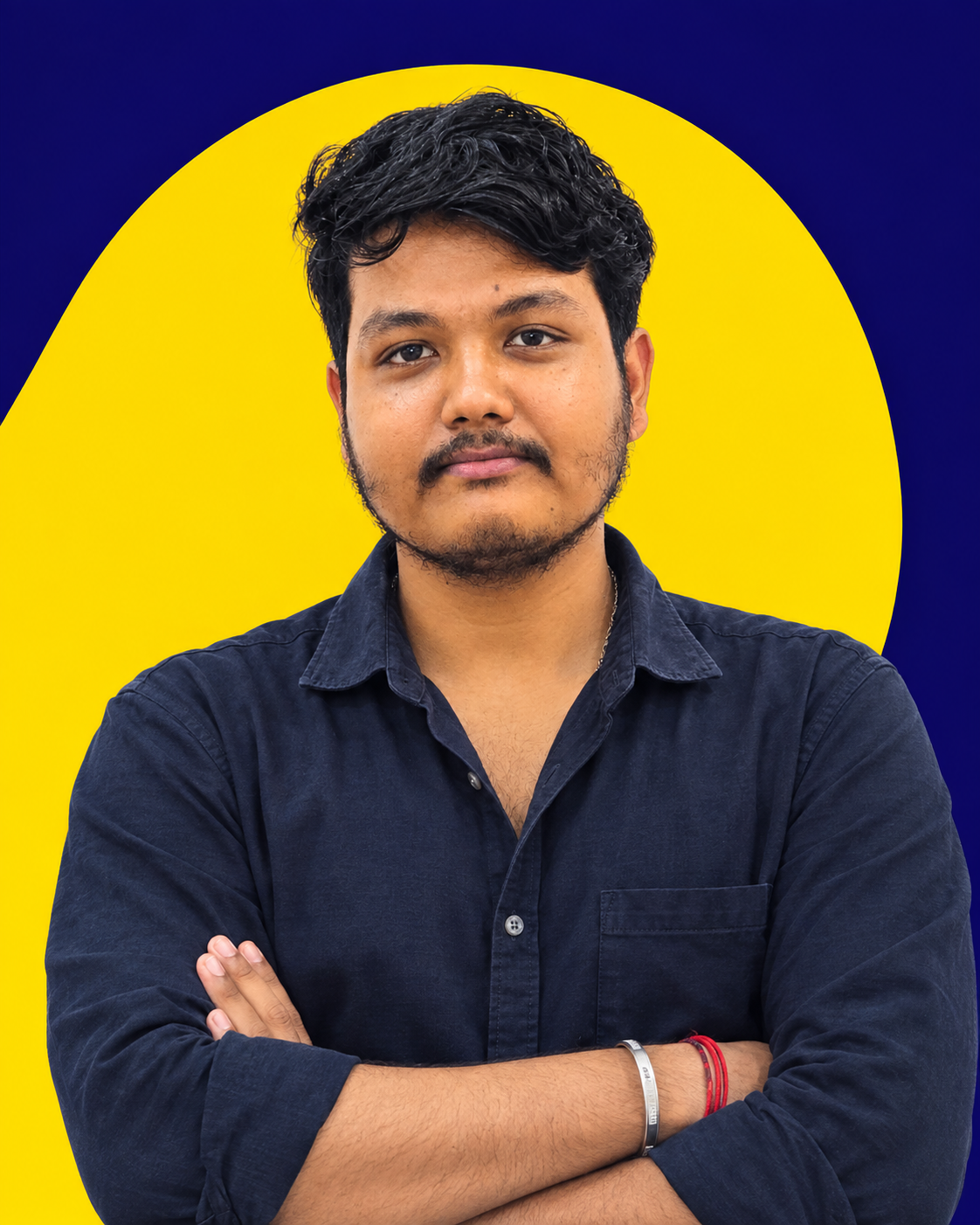
Rajesh Baidya brings practical industry experience in professional video editing and digital content production. He guides students through real editing workflows, helping them develop strong technical skills, creative thinking, and project-based experience. His teaching approach focuses on hands-on practice, portfolio development, and preparing students for competitive industry requirements.