W3 Web School

Career Updates

Graphic Design Institute in Dum Dum, Kolkata

Graphic Design Course in Kolkata with AI Tools

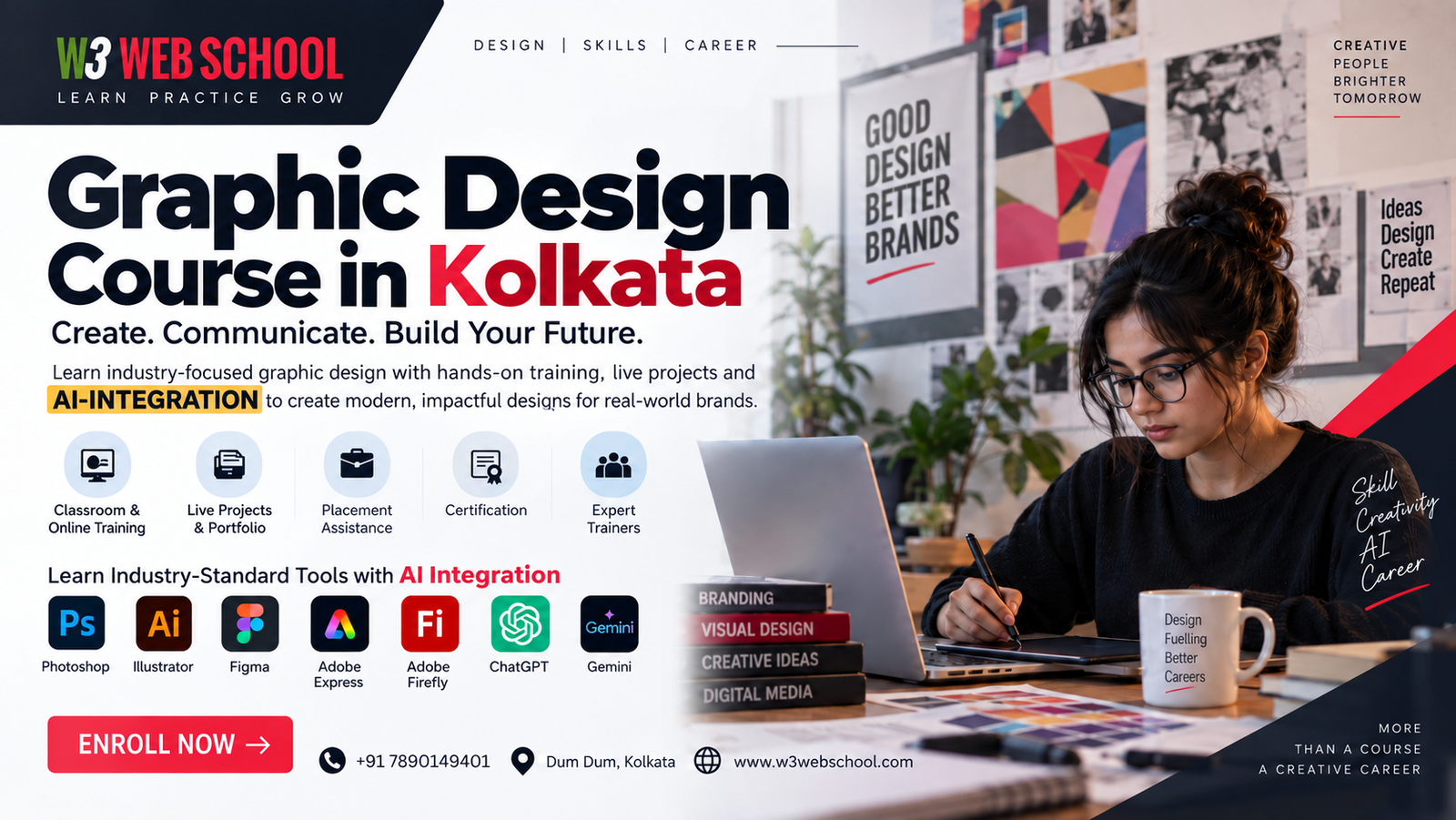
Join our Graphic Design Course in Kolkata at Dum Dum and learn Adobe Photoshop, Illustrator, Figma, Canva and AI tools such as Adobe Firefly by designing real work: logos and brand identity, social media creatives, brochures, packaging and ads. Finish 6 portfolio projects in 6 months and get placement assistance.

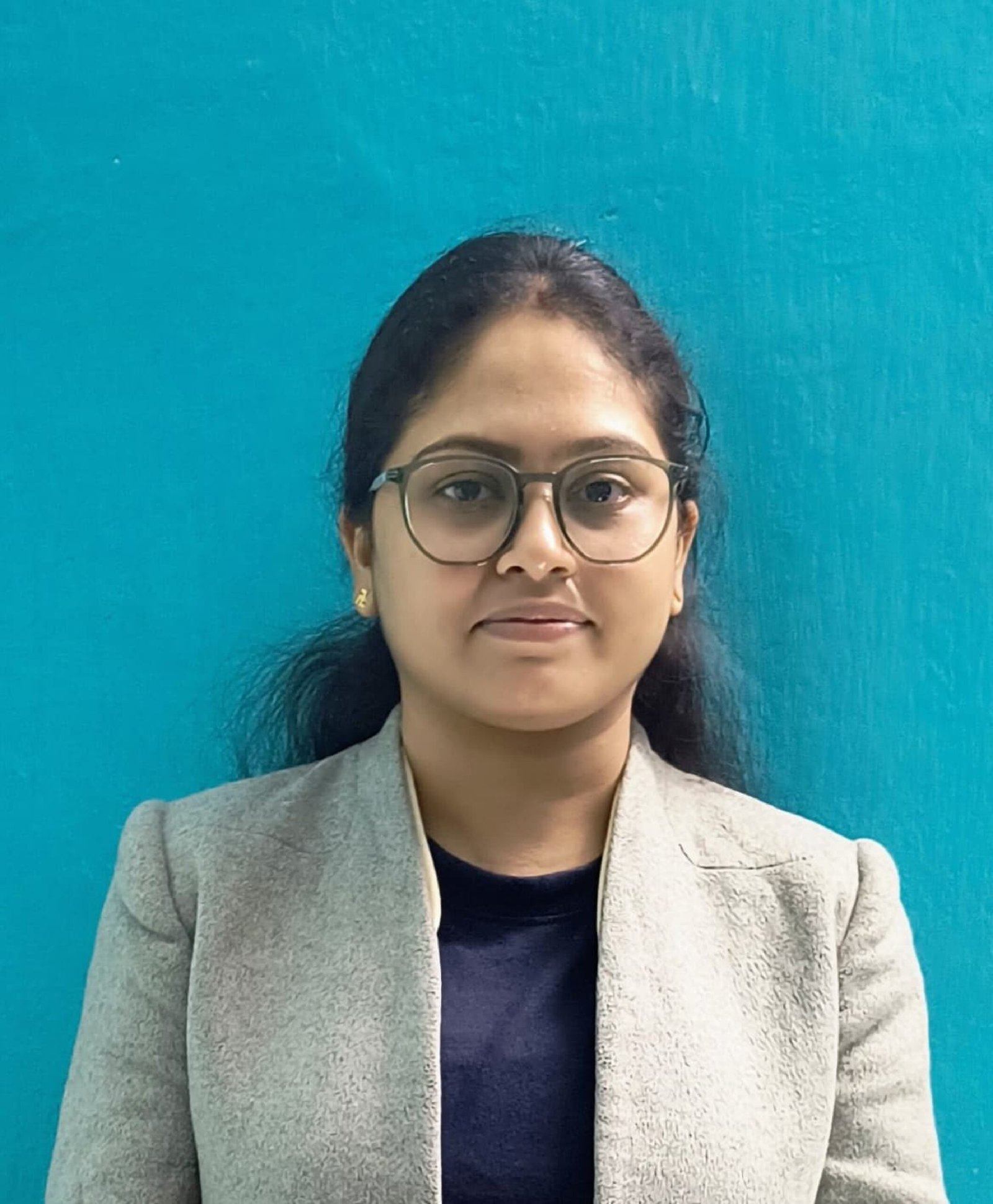
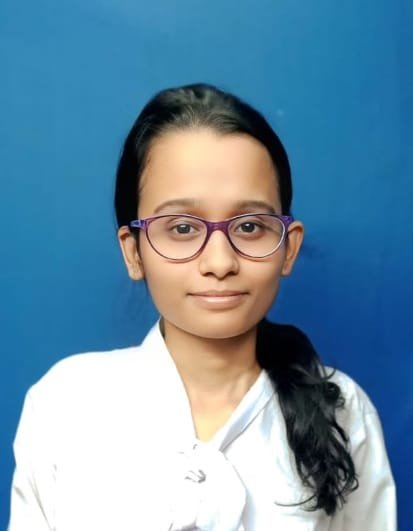
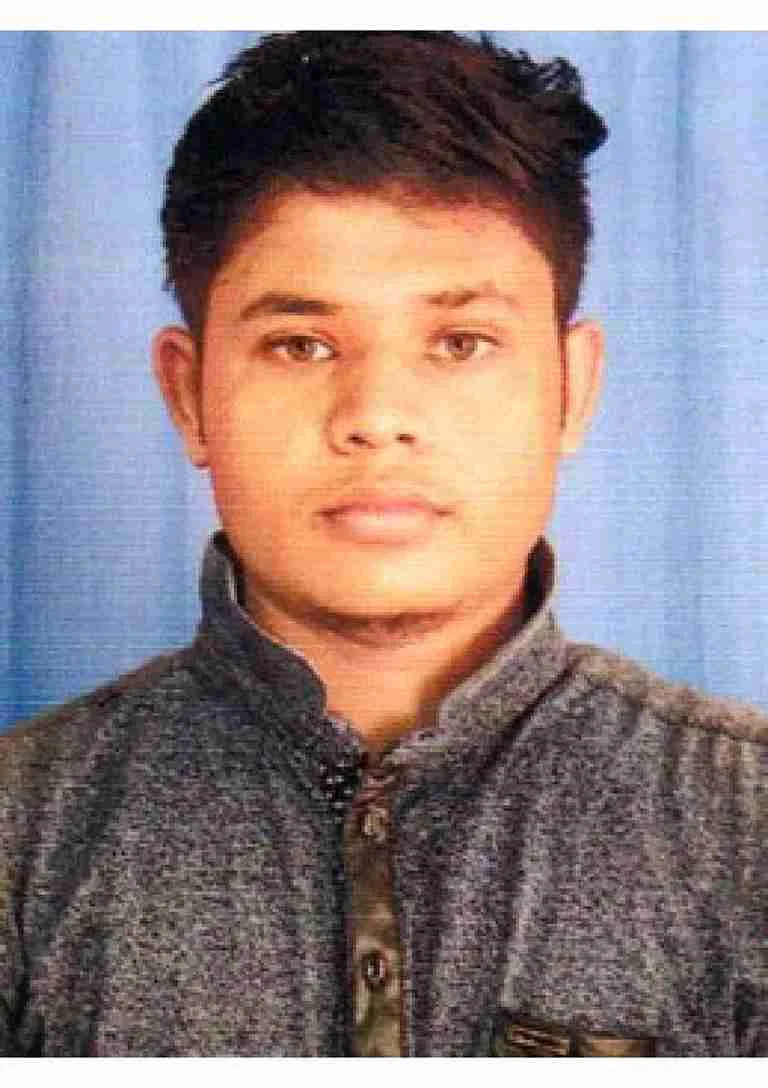
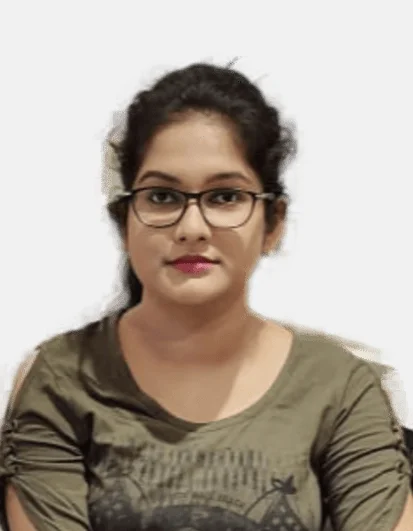
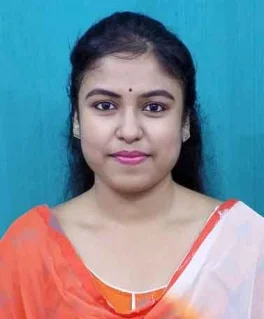
W3 Web School student Soumen
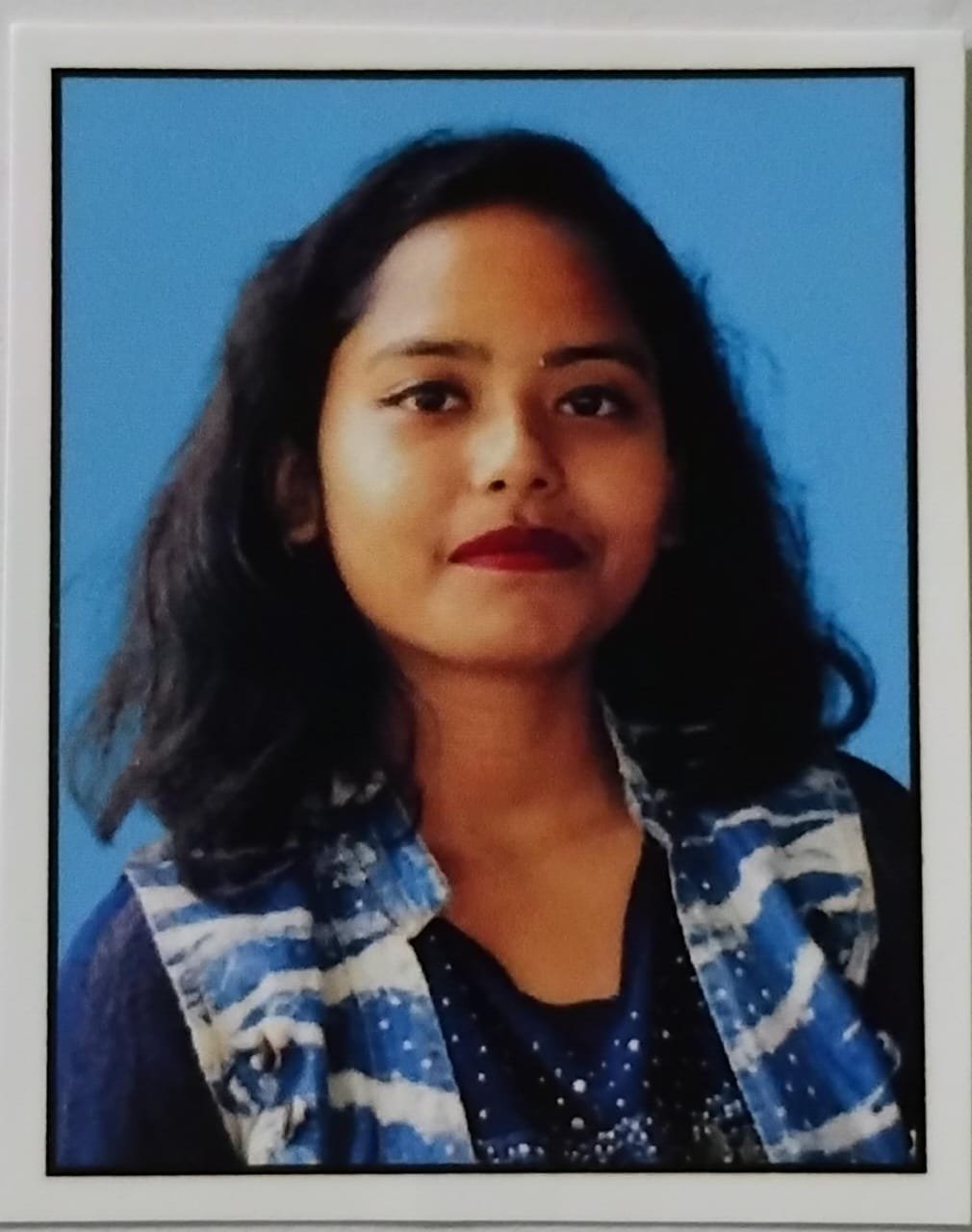
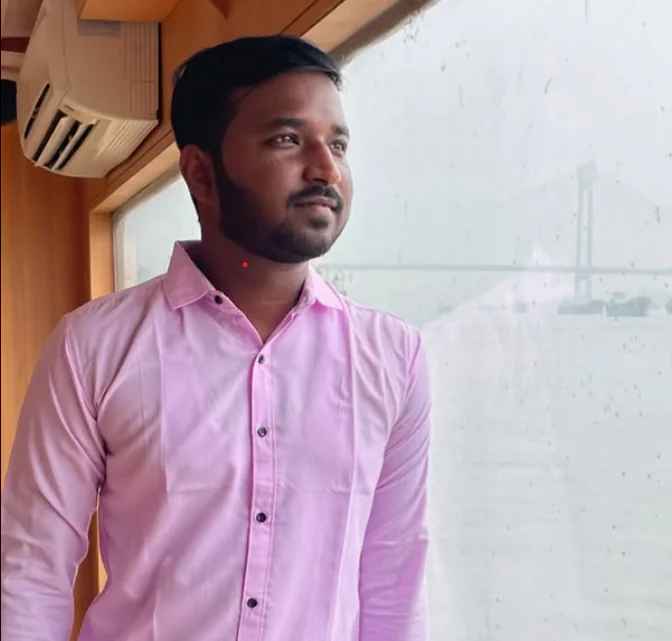
W3 Web School student Sujal
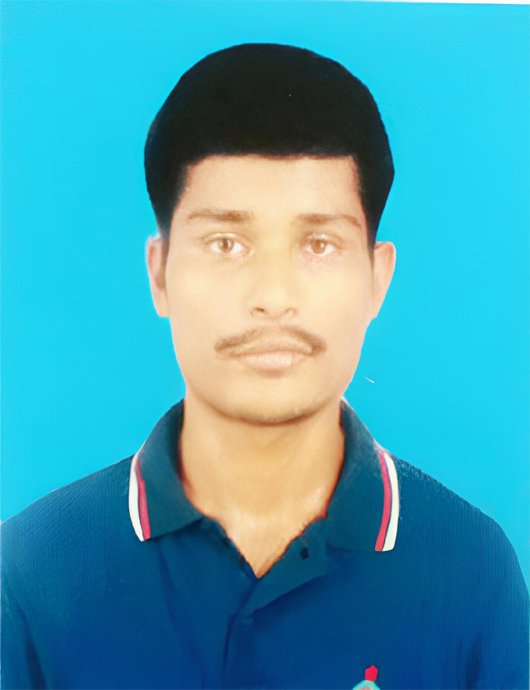
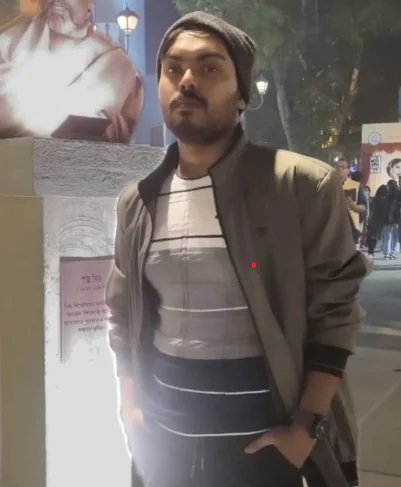
W3 Web School student Abhishek
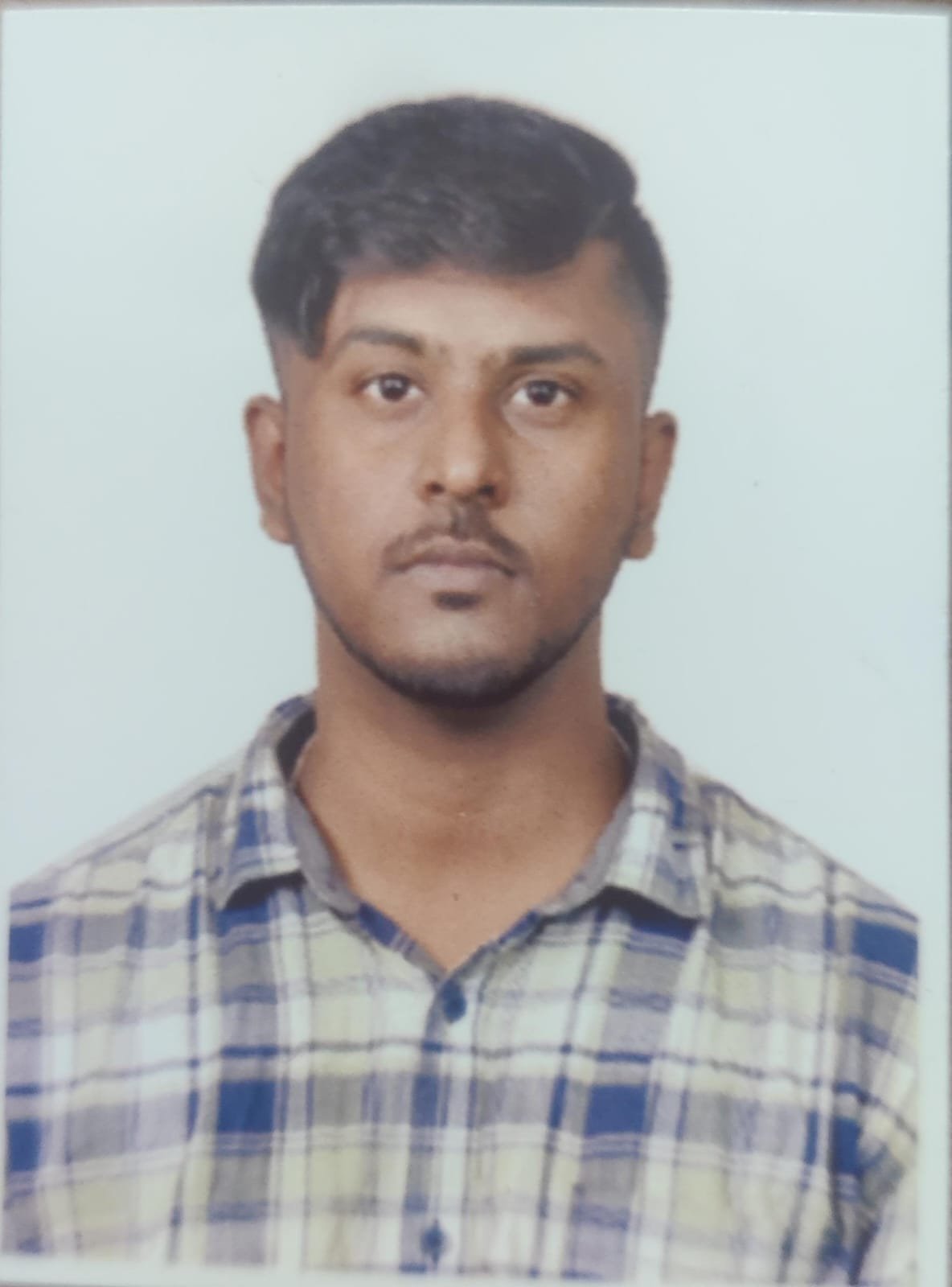
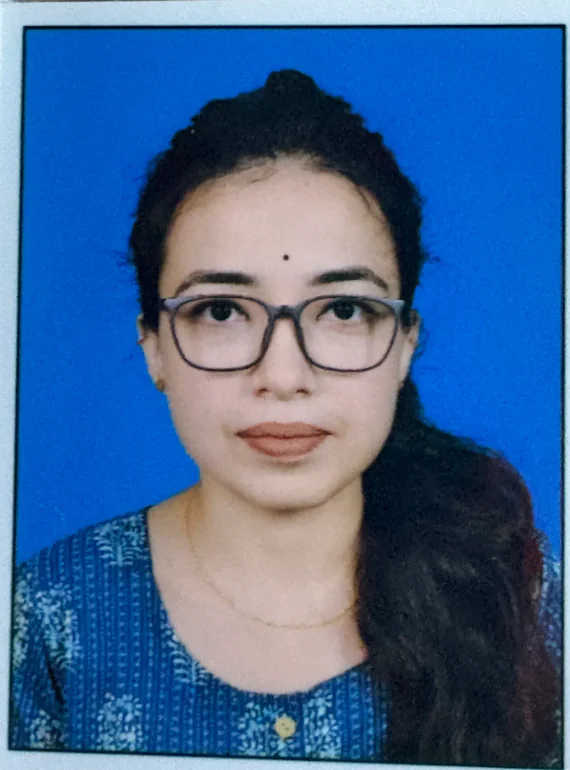
W3 Web School student Suman
420+ Google reviews Teaching in Kolkata since 2012
Course Duration 6 Months Weekday & weekend batches
Course Fees ₹50,000 + GST EMI options available
Portfolio 6 Design Projects Branding, print & packaging
Learning Format Classroom & Online English, Hindi & Bengali

Free 1-hour demo class

Book Your Free Graphic Design Demo

Share your details. A counsellor will call you about the course, fees and batches, and fix a demo time that suits you.

Your details stay with W3 Web School. We only call or WhatsApp you about the course.

Our hiring partners

Our Corporate Hiring Network

These are some of the agencies, studios and businesses in the W3 Web School hiring network. When graphic designer, social media designer or creative openings come up, our placement team shares them with eligible students of the Graphic Design Course. This is placement assistance, not a job guarantee.

Promotedge
Techsu
Techmagnate
FAV
ARC
Marvel Box
Thatware LLP
ColorStack
ShipSmith
Vatalks
Graphic Design Course in Kolkata at W3 Web School

Graphic Design Course in Kolkata: What You Will Learn

W3 Web School’s 6-month Graphic Design Course in Kolkata teaches you to design work that businesses actually pay for: logos and brand identities, social media creatives, brochures and posters, product packaging and ads. You start with the principles of design, typography and colour, then use Adobe Photoshop, Illustrator, Figma, Canva and AI tools such as Adobe Firefly on real projects.

The course suits students after 12th, graduates, working professionals, freelancers and business owners. Classes run in the classroom at Dum Dum and live online, and every module is hands-on. You finish with 6 portfolio projects that you can show to agencies, employers and clients.

Demand for design keeps growing as more businesses market themselves online. Mordor Intelligence estimates the graphic design market at USD 59.29 billion in 2026, growing to USD 85.53 billion by 2031. Interested in screens and apps as well? See our UI/UX Design Course in Kolkata.

Graphic Design Course Fees in Kolkata

Course fee₹50,000 + GST
PaymentUPI, net banking, and monthly EMI where applicable. Ask the counsellor for the current instalment plan.
Duration6 months
ModeClassroom (Dum Dum) and Online
BatchesWeekday and weekend batches, subject to availability
LanguageEnglish, Hindi and Bengali
Next batchCall +91 78901 49401 for the latest batch date
CertificateW3 Web School certificate, verifiable online

Refunds follow a conditional 7-day policy. Read the full refund policy before enrolling.

Graphic Design Course Syllabus

The syllabus has 9 modules. Modules 1 to 4 build your design foundations, modules 5 to 7 cover tools, branding and layout, and modules 8 and 9 turn your work into a portfolio and a capstone project. Open a module to see its topics.

LearnDesign principles, type and colour
PractisePhotoshop, Illustrator, Figma, Canva
ApplyPortfolio and capstone projects
Module 01

Introduction to Graphic Design

What graphic design is, where it is used and what a graphic designer does day to day.

Topics

  • What graphic design is
  • History and evolution of graphic design
  • Types of graphic design: print, digital, branding and more

Also covered

  • The role of a graphic designer
  • Overview of graphic design tools
Module 02

Principles of Design

The rules that make a layout look balanced and easy to read.

Topics

  • Elements of design: line, shape, colour, texture and space
  • Principles: balance, contrast, emphasis, proportion and rhythm

Also covered

  • Visual hierarchy: guiding the viewer's eye
  • The rule of thirds and grid systems
Module 03

Typography

How to choose, pair and set type so it reads well and fits the brand.

Topics

  • Anatomy of type: serif vs sans-serif, baseline, kerning, leading
  • Font pairing

Also covered

  • Readability and legibility
  • Typography for branding and communication
Module 04

Colour Theory

How colour works, what it makes people feel and how brands use it.

Topics

  • The colour wheel and colour schemes
  • The emotional impact of colours

Also covered

  • Using colour for branding and marketing
  • Creating harmony and contrast
Module 05

Digital Tools

The software you will use in the course and how to prepare files correctly.

Topics

  • Adobe Photoshop, Illustrator, Adobe Express, CorelDRAW and Figma
  • Canva and Procreate for beginners

Also covered

  • File formats: JPEG, PNG, SVG and PDF, and when to use each
  • Exporting designs for print and digital use
Module 06

Branding & Identity Design

Build a visual identity a business can use everywhere.

Topics

  • Brand identity: logos, colours and fonts
  • Designing logos and taglines

Also covered

  • Creating brand guidelines
  • Case studies of well-known brand designs
Module 07

Layout & Composition

Lay out flyers, brochures and magazines that are clear and balanced.

Topics

  • Grid systems for print and web
  • Designing flyers, brochures and magazines

Also covered

  • Composition techniques for balance and flow
  • Working with text and images
Module 08

Portfolio Building

Turn your projects into a portfolio that shows how you think, not just what you made.

Topics

  • Why a design portfolio matters
  • Structuring and presenting your work
  • Case studies that show your design process

Also covered

  • Collaborative workflows for teams
  • Creating an online portfolio
Module 09

Capstone Project

One complete project from brief to final presentation, with feedback from mentors.

Topics

  • End-to-end project development
  • Research, ideation and execution

Also covered

  • Final presentation to mentors and peers
  • Receiving and applying feedback

Topics and practical activities may be adapted to the batch. For the latest detailed class plan, contact the academic team.

Graphic Design Tools You Will Learn

Photoshop and Illustrator are the core tools. You also use Figma for layouts and UI, Canva and Adobe Express for fast social creatives, Affinity as an alternative design suite, Pacdora for packaging mockups, ProtoPie for simple prototypes, CorelDRAW for print shops that still use it, Adobe Firefly for AI image ideas, and ChatGPT and Gemini for ideas and copy.

Adobe PhotoshopAdobe Photoshop
Adobe IllustratorAdobe Illustrator
FigmaFigma
CanvaCanva
Adobe ExpressAdobe Express
AffinityAffinity
PacdoraPacdora
ProtoPieProtoPie
ChatGPTChatGPT
Google GeminiGoogle Gemini

6 Graphic Design Projects for Your Portfolio

Agencies and clients hire designers by looking at their portfolio. Each project below follows a real brief, gets mentor feedback, and becomes a piece of your portfolio.

BriefUnderstand the client, audience and goal
IdeateResearch, sketches and concepts
DesignBuild it in Photoshop, Illustrator or Figma
ReviewMentor feedback, revise and present
01
Project 01

Brand Identity Design

Create a complete visual identity for a business, from logo concepts to colour palette, typography and stationery.

You will create
LogoBusiness CardLetterheadBrand GuidelinesSocial Branding
Portfolio value

A brand identity case study that shows your process from brief to final logo.

02
Project 02

Social Media Campaign

Design a set of creatives for Instagram, Facebook and LinkedIn that follow one brand style.

You will create
Instagram PostsCarouselsFacebook BannersStory Templates
Portfolio value

A consistent campaign that shows you can design for real social media briefs.

03
Project 03

Print Design

Prepare print-ready artwork that businesses use for offline promotion.

You will create
BrochuresFlyersPostersCataloguesEvent Banners
Portfolio value

Print-ready files with the right bleed, size and colour settings.

04
Project 04

Product Packaging Design

Combine branding, typography and layout on labels and boxes, then present them as mockups.

You will create
LabelsBox PackagingFood PackagingMockups
Portfolio value

Packaging designs with realistic mockups for your portfolio.

05
Project 05

Marketing & Advertising

Design campaign visuals that businesses need for online and offline promotions.

You will create
Display AdsWeb BannersOffer CreativesFestival Campaigns
Portfolio value

Ad creatives that show you can design to a goal, not just to look good.

06
Project 06

Portfolio Presentation

Organise your best work into a clean portfolio with short case studies.

You will create
BrandingPrintSocial MediaPackagingCase Studies
Portfolio value

A finished portfolio you can send to agencies, employers and clients.

What Students Say About W3 Web School

These are Google reviews from students across our courses at the Dum Dum campus. Each one links to the original review.

View all 420+ reviews on Google
Debosmita GangulyDigital Marketing student, Local Guide, Google review 2026

I have just finished my course of digital marketing from W3 Web School. I also got a job through this institution's placement. Ankit sir is a very good, knowledgeable teacher. He always solved every query I had.

See this review on Google
Papai DeyDigital Marketing student, Google review 2026

I would like to sincerely thank my mentors, Sahil Sir, Ankit Sir and Bhola Sir, for their excellent guidance and support throughout the course. They explained every topic in a very simple and practical way.

See this review on Google
Biku MaharanaW3 Web School student, Google review 2026

The classes are well structured and very easy to understand. What I appreciate most is the support after the classes: whenever we practise, the trainers are always there to guide and help us.

See this review on Google
Purnima GoswamiDigital Marketing student, Google review 2026

The trainers explain concepts clearly, focus on practical learning through live projects, and cover industry-relevant tools. The supportive environment, doubt-clearing sessions and career guidance make it a good choice.

See this review on Google


About the institute

Graphic Design Institute in Kolkata: About W3 Web School

W3 Web School is an IT and creative skills training institute in Kolkata, with its campus at Dum Dum. We have been teaching since 2012. Our Graphic Design Course runs for 6 months, and every student builds a portfolio of branding, social media, print, packaging and advertising work.

Teaching since
2012
Course
6 months, ₹50,000 + GST
Registrations
ISO 9001:2015 certified, MSME registered (UDYAM-WB-14-0025805)
Campus
2nd Floor, 214/1 Dum Dum Road, Near Dum Dum Phari, Kolkata 700074
Trainers
2 graphic design mentors. Meet the mentors
Class modes
Classroom and online, on weekday and weekend batches
Certificate
W3 Web School certificate, verifiable online
Refunds
Conditional 7-day policy. Read the refund policy

Want to check the institute before you join? Book a free demo class or visit the Dum Dum campus and meet the mentors in person.

Why W3 Web School

Why Choose W3 Web School for Graphic Design in Kolkata? Training Since 2012

Our 6-month Graphic Design Course combines classroom or online learning with 6 portfolio projects, so you leave with design skills and work you can show to agencies, employers and clients.

Portfolio-First Training

Every module ends with real design work: logos, social creatives, brochures, packaging and ads. You finish with a portfolio, not just notes.

Experienced Mentors

Learn from mentors with 5 to 6+ years of design experience who review your work and help you improve it. Meet the mentors.

Feedback on Every Design

Your mentor reviews each project before it goes into your portfolio, so you learn what clients and art directors look for.

Industry Tools & AI

Practise on Adobe Photoshop, Illustrator, Figma, Canva and Adobe Express, plus AI tools such as Adobe Firefly, ChatGPT and Gemini.

Career & Placement Assistance

Get help with your resume, portfolio and mock interviews. This is assistance, not a job guarantee. See placement support.

Freelance Guidance

Learn how to set up profiles on Fiverr, Upwork and LinkedIn and how to price your design work for clients.

Who can join

Who Can Join Our Graphic Design Course in Kolkata?

No design experience needed. Basic computer skills are enough.

The course suits anyone who wants to create professional visual designs: students after 12th, graduates, career switchers, working professionals, freelancers and business owners.

Career & placement support

Placement Assistance for Graphic Design Students

Our career team helps you present your portfolio and prepare for graphic designer interviews, design tests and freelance work.

Resume Building

Create a design-focused resume that lists your tools, skills and the projects you completed.

Portfolio Review

Your mentor reviews your portfolio for layout, consistency and storytelling before you send it to employers.

LinkedIn & Online Portfolio

Set up LinkedIn and an online portfolio so agencies and clients can find and judge your work.

Mock Interviews

Practise presenting your portfolio and explaining your design choices, plus common interview questions.

Career Counselling

Choose a direction: agency designer, in-house brand designer, packaging, print or freelancing.

Opening Updates

When relevant design openings come up in our hiring network, the placement team shares them with eligible students.

Placement disclaimer: Placement assistance helps you prepare for relevant job opportunities. Hiring depends on your skills, portfolio, eligibility and employer requirements. A job is not guaranteed.

Graphic design careers

Graphic Design Jobs and Career Paths in Kolkata

Almost every business needs logos, social posts, brochures, packaging and ads, so graphic designers are hired well beyond design studios. Most people start in a junior or social media role and then move towards branding, packaging, print or visual design as their portfolio grows.

First job

Roles for Beginners

  • Junior Graphic Designer
  • Social Media Designer
  • Graphic Design Intern
  • DTP Operator
  • Creative Design Executive
  • Canva & Ad Creative Designer
With 2 to 4 years of work

Specialist Design Roles

  • Brand Identity Designer
  • Packaging Designer
  • Print & Pre-Press Designer
  • Visual Designer
  • Senior Graphic Designer
  • Art Director (with experience)
Who hires designers

Where Graphic Designers Work

  • Advertising & digital agencies
  • Printing & packaging companies
  • E-commerce & retail brands
  • Publishing & media houses
  • In-house marketing teams
  • Freelance & your own studio

These roles show where graphic design skills are used. They are not guaranteed outcomes. The role you get depends on your portfolio, your software skills and what the employer needs.

Pay and certification

Graphic Designer Salary in Kolkata for Freshers and Beyond

Starting pay for graphic designers in Kolkata is modest and varies a lot between employers. Salary surveys and live job posts give a realistic picture. Treat them as a benchmark for offers you receive. They do not predict your own salary after the course.

What graphic designers are paid in Kolkata

RoleData pointPay
Graphic DesignerEarly career, PayScale average₹2.75 lakh a year
Graphic DesignerMid career, PayScale average₹3.13 lakh a year
Graphic DesignerFresher band, Hyring 2026 estimate₹3 – 4.2 lakh a year
Junior Graphic Designer0–6 months, Bidhan Park job post₹8,000 a month
Graphic DesignerSealdah job post, starting payFrom ₹15,000 a month
Graphic Designer1+ year, Chinar Park job postUp to ₹25,000 a month

Sources: PayScale early career, PayScale mid career, Hyring 2026, and job posts on Qureos, Weekday and Qureos. Figures were checked in November 2026 and change over time.

What moves a designer's pay up

  • A portfolio with case studies that shows the brief, your process and the final result, not only finished images.
  • Print and packaging know-how such as bleed, CMYK, dielines and print-ready export, which many social-only designers lack.
  • Complete brand systems: logo, colours, type and guidelines that a business can use everywhere.
  • Speed with AI and templates while keeping your own layout and type decisions.

Adobe certifications you can attempt

You receive a W3 Web School certificate when you finish. The course also covers the software tested in these Adobe exams:

  • Adobe Certified Professional in Visual Design (Photoshop)
  • Adobe Certified Professional in Graphic Design & Illustration (Illustrator)

Adobe and its authorised test centres conduct these exams; W3 Web School does not. See Adobe's certification page for the latest exam format and fee.

Please note: W3 Web School offers placement assistance, not a guaranteed job or salary. Your pay depends on your portfolio, your skills and the employer.

Your mentors

Learn from Graphic Design Mentors in Kolkata

Two mentors share the Graphic Design Course at our Dum Dum campus. Bholanath leads branding, typography and print, and Rajesh leads social, ad and production design. Between them they review every project you make for your portfolio.

Bholanath Hore, Design & Frontend Trainer at W3 Web School

Bholanath Hore

W3 Web School

Design & Frontend Trainer

Teaches: Branding, logo design, typography, print and packaging

Bholanath leads graphic design training at W3 Web School. He takes students through brand identity, logo design, typography and print work, and runs the portfolio reviews where each project is checked before it goes into your portfolio.

  • Experience: 6+ years in design and frontend development
  • Main tools: Photoshop, Illustrator, Adobe Express, CorelDRAW, Figma
View LinkedIn Profile Full trainer profile
Rajesh Baidya, Senior Design & Video Trainer at W3 Web School

Rajesh Baidya

W3 Web School

Senior Design & Video Trainer

Teaches: Social media creatives, ad design, vector artwork and pre-press

Rajesh focuses on production design: social media and ad creatives, vector illustration, packaging artwork and preparing files for print. He teaches clean file set-up and fast, accurate workflows that agencies expect from a working designer.

  • Experience: 5+ years in design and creative production
  • Main tools: Photoshop, Illustrator, Figma, Canva, Adobe Firefly
View LinkedIn Profile Full trainer profile

Mentor allocation can change between batches. Ask the counselling team who will teach the batch you want to join.

Visit Our Graphic Design Institute in Dum Dum, Kolkata

Want to see where the graphic design classes happen before you pay? Visit the Dum Dum centre, meet the design mentors and bring your questions. We will walk you through the 9-module syllabus, the six portfolio projects and the design software you will use, and share the next weekday and weekend batch timings.

Location 2nd Floor, 214/1 Dum Dum Road, Near Dum Dum Phari, Kolkata 700074
Contact us +91 78901 49401
Opening hours Mon to Fri 10 AM to 7:30 PM, Sat 10 AM to 7 PM, Sun 11 AM to 3 PM
Find the campus Need directions? Tap below to open the W3 Web School listing on Google Maps and start navigation to Dum Dum Phari.
Getting here

How to reach the design classes

Dum Dum Metro station is the nearest stop. Each route below finishes there, and the campus near Dum Dum Phari is a short auto, e-rickshaw or cab ride away.

From Salt Lake

Sector V

  1. Board the Green Line heading to Howrah Maidan.
  2. At Esplanade, switch to the Blue Line for Dakshineswar.
  3. Leave the metro at Dum Dum and ride to Dum Dum Phari by auto, e-rickshaw or cab.
From central Kolkata

Esplanade

  1. Board the Blue Line heading to Dakshineswar.
  2. Leave the metro at Dum Dum station.
  3. An auto, e-rickshaw or cab brings you to 2nd Floor, 214/1 Dum Dum Road.
From Howrah

Howrah Metro

  1. Board the Green Line heading to Salt Lake Sector V.
  2. At Esplanade, switch to the Blue Line for Dakshineswar.
  3. Leave the metro at Dum Dum and take local transport to Dum Dum Phari.

Travel tip: Metro timings and road traffic change through the day. Check Metro Railway Kolkata updates before you travel and follow Google Maps directions for the final stretch.
Live far from Dum Dum? Call us before visiting. Ask about online graphic design batches, or plan a campus visit around a demo class. Call the design team: +91 78901 49401

Graphic Design Course in Kolkata: FAQs

The fee is ₹50,000 + 18% GST for the full 6-month course. EMI is available where applicable. Call +91 78901 49401 to confirm the current fee and instalment plan before you enrol.