10 Powerful Video Editing Tips for Beginners: 2026 Edition

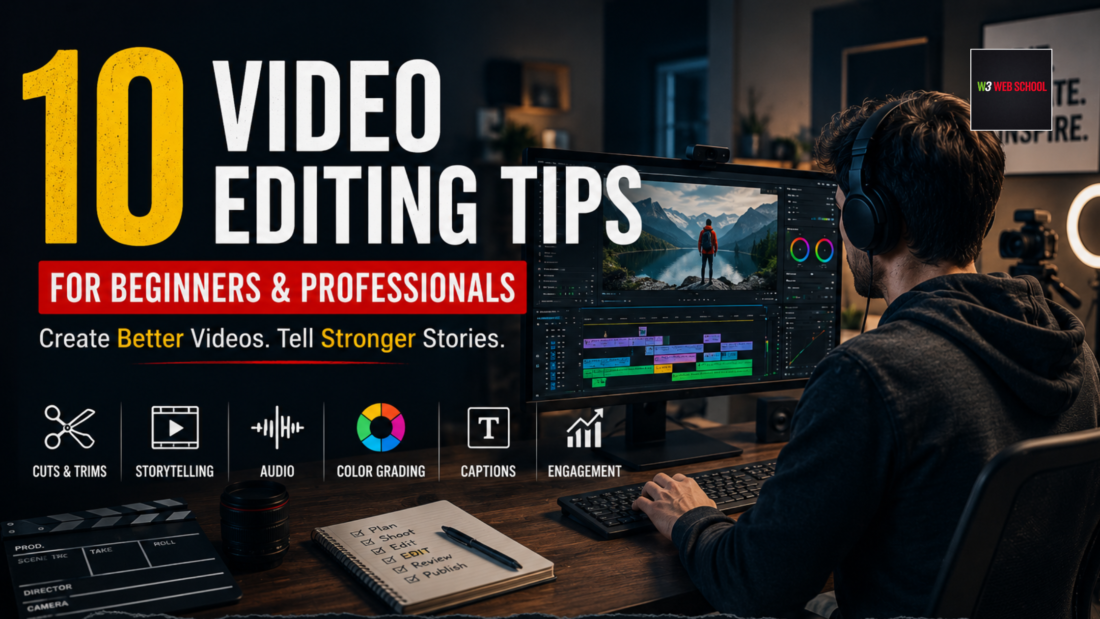
Are you trying hard to make professional-looking videos, but failing even after spending hours editing? In this digital era, only recording content is not enough. If you don’t know effective video editing tips, your videos might fail in capturing attention, leading to lower audience retention and limited growth in platforms such as Instagram, YouTube, and social media.
Sometimes, beginners face issues like poor storytelling, weak spacing, poor audio quality, and unrelated transitions that make their content look bad and unprofessional.
The best part is that learning professional video editing techniques can completely upgrade your videos and help you make more cinematic, appealing, professional, and engaging content.
In this article, I will discuss some of the best video editing tips, know what is video editing, and master how modern video editing professionals edit videos to attract audiences, increase engagement, and create more high-income career opportunities.
Learn cinematic editing, transitions, color grading, motion graphics, & real-world editing workflows with practical training & live projects.
Explore Course →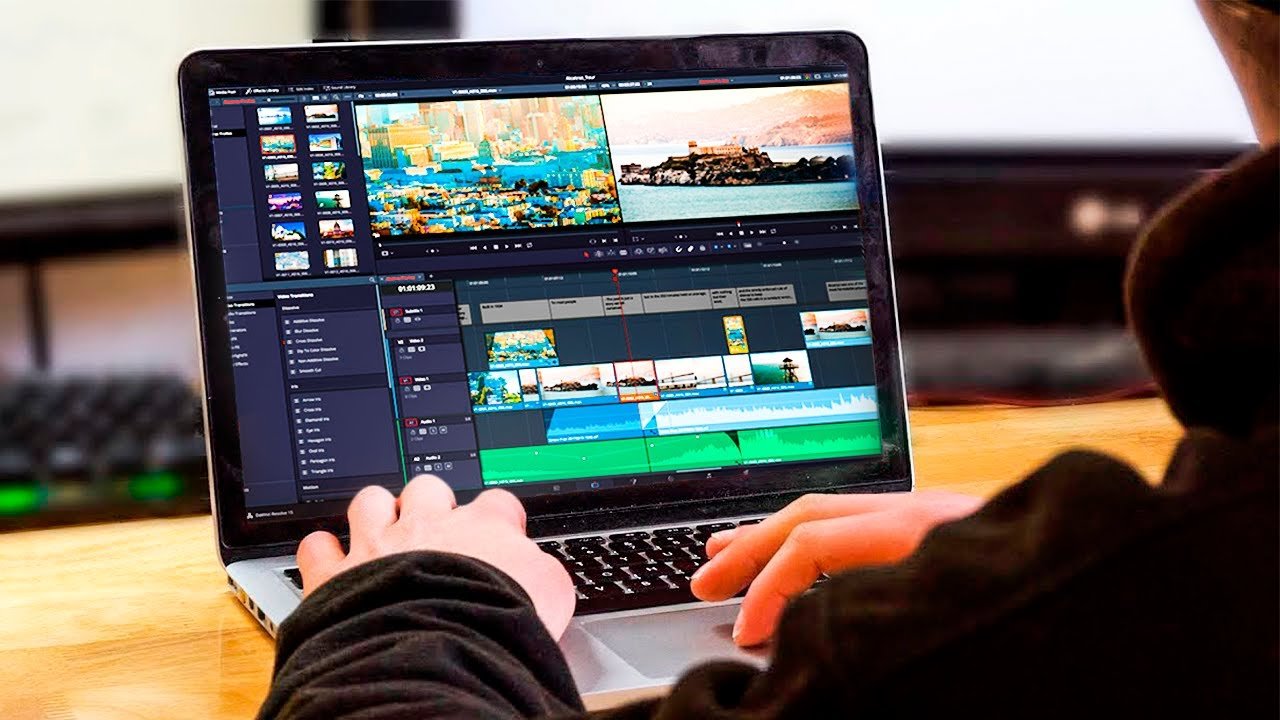
What is Video Editing?
You should know what is video editing before learning advanced tips and tricks.
Video editing is about arranging, enhancing, trimming, and merging video clips to make a polished and final video. Adding music, transitions, captions, pacing, sound effects, graphics, colors, texts, animations, and visual effects make high-quality and engaging videos.
Video editing is not limited to tvs and movies. Today’s video editing is highly demanding for
- YouTube content
- Short films
- Podcasts
- Instagram Reels
- Educational videos
- Corporate presentations
- Vlogs
- Brand advertisements
- Social media campaigns
Professional editing helps content creators enhance storytelling, audience engagement, retention, visual quality, and build brand identity.
Why Video Editing Skills are Important in 2026?
The demand for professional video editors has grown fast as video content is dominating almost every online platform. Businesses, educators, and content creators are now investing heavily in video marketing to retain their audience.
Below are some key reasons why video editing skills are becoming highly in-demand these days.
- Video marketing is highly in demand and drives business growth. Businesses use video ads and social media videos to capture audiences, generate leads, and make sales.
- Emergence of short-form content due to the rise of platforms such as YouTube Shorts, Instagram Reels, and TikTok changes the behavior of audiences. Users prefer highly engaging and quality content with fast edits and better storytelling.
- Growing freelancing opportunities increase the chance for video editors to work with global clients using freelancing platforms, content agencies, and collaborations on social media platforms.
- AI transforms the video editing workflow by boosting repetitive editing tasks such as smart trims, background removal, voice enhancement, transitions, and auto-captioning.
10 Video Editing Tips for Beginners & Professionals
Now, get to know some of the most powerful video editing tips that can immediately help you enhance your editing skills and video quality.
1. Begin with Clear Storytelling
Every engaging and high-quality video begins with clear storytelling. You have to know the target audience, the video’s purpose, the emotional tone, and the message you want to give. Better storytelling enhances audience engagement and total watch time.
2. Properly Organize Your Videos Before Editing
As a professional editor, you should always organize your video files before final editing. You can make folders for Graphics, exports, audio, music, and project files. If you organize properly, you can save your time and boost overall workflow.
3. Capture High-Quality Audio and Video
Beginners mainly focus on visuals only, but often they ignore audio quality. But both are important. Poor audio quality can ruin user experience. So try to balance volume levels, add background music, remove background sound, and use clean recordings.
4. Focus on Pacing
You must focus on pacing for reels, shorts, ads, and social media videos. Slow pacing works best for documentaries, emotional storytelling, and tutorials. The rhythm of editing influences the higher retention of viewers.
5. Trim out the Unnecessary Part
Cutting unused parts and repetitive clips helps your video look cleaner and more polished. Audience chooses short content that offers value quickly. Trimming unused clips boosts the flow of storytelling, retention rates, and makes a smoother viewing experience without disturbing or boring viewers.
6. Choose Your Tools Wisely
Choosing the proper editing software or tools relies heavily on your expertise level and goals. Beginners pick easy software like Filmora and CapCut; on the other hand, professionals pick Adobe Premiere Pro and DaVinci Resolve. These help you get cinematic workflows, advanced editing, and more.
7. Add Captions for Higher Engagement
Captions or subtitles boost audience retention and accessibility, as the majority of users watch videos soundlessly. So, adding captions can enhance watch time, social media engagement, and video understanding.
8. Add Transcriptions
Adding transcriptions enhances accessibility and guides search engines to get your content better. They also enable users to read your content fast into subtitles, blogs, or social media posts.
9. Edit Audio and Video Tracks Seperately
Skilled video editors manage audio and video separately to control them better and more precisely. This helps enhance sound quality, removes noise from the background, and makes better transitions.
10. Color Correction Before Color Grading
Don’t get confused between these two processes. Do color correction before grading. Try fixing exposure, lighting, and white balance. You should also do color grading to add mood and artistic style.
Common Video Editing Mistakes You Should Avoid
Even professionals and skilled beginners often make mistakes that can be avoided. Let’s find out those avoidable mistakes below:
- Poor audio mixing creates a bad user experience.
- Poor storytelling breaks emotional connection and narrative flow.
- Overusing transitions and effects leads to professionalism.
- Improper color grading breaks visual consistency on the project.
Best Video Editing Software in 2026
Picking the right software depends on your demands, budget, editing style, and level of experience. Beginners often choose drag-and-drop editors, but professionals use advanced tools and software for advanced editing, motion graphics, color correction, and more.
Below are some of the best video editing software for creators, professionals, and freelancers.
| Software | Best For | Skill Level | Pricing |
|---|---|---|---|
| Adobe Premiere Pro | Professional video editing and YouTube content | Beginner to Advanced | Subscription-based |
| DaVinci Resolve | Color grading, cinematic editing & film production | Beginner to Advanced | Free + Paid Version |
| Final Cut Pro | High-quality editing for Mac users | Beginner to Advanced | One-time Purchase |
| CapCut | Short-form content & Instagram Reels | Beginner to Advanced | Freemium Features |
| Filmora | Fast content creation & user-friendly interface | Beginner | Affordable Subscription Plans |
| After Effects | Motion graphics and animations | Advanced | Subscription Plans |
Must-have Skills Every Professional Video Editor Needs
You should master these skills if you want to become a professional video editor and create high-quality and engaging content.
- Storytelling
- Sound design
- Color theory
- Visual rhythm
- Branding psychology
- Motion graphics
- AI-assisted editing
- Client communication
Career Opportunities in Video Editing
Here are some career options you can pursue after learning video editing and growing your professional career in 2026.
- Film Editor
- YouTube Editor
- Freelance Editor
- Reels Editor
- Advertising Editor
- Brand Content Editor
- Social Media Editor
- Motion Graphics Editor
As per AmbitionBox, a Video Editor can get upto ₹2.9 Lacs to ₹3.2 Lacs a year at entry levels.
There are many freelancing platforms like Fiverr, Freelancer, Upwork, which offer video editor jobs for polished and final videos. Upwork offers $20 to $40 per hour or even for a single video editing.
You might have noticed that the video editing market is fast-growing, and the Mordor Intelligence report shows that it will continue to grow at a CAGR rate of 5.8% till 2031.
How to Learn Video Editing Professionally?
Self-learning is beneficial, but you need structured training to know how the professional industry works. With proper guidance and training on hands-on projects, you can become a professional video editor quickly.
A professional video editing training helps students master.
- Motion graphics
- Audio editing
- Editing software
- Social media editing
- Cinematic storytelling
- Color grading
- Portfolio building
A professional Video Editing Course in Kolkata offers industry-led practical training where learners get hands-on project knowledge, career guidance, individual mentorship, and placement assistance to become a job-ready professional.
Ready to Turn Your Creativity Into a Professional Skill?
Learn cinematic editing, reels editing, and color grading with practical training.
Start Learning →FAQs on Video Editing Tips
Yes, video editing is a highly demanding career these days because businesses, influencers, and brands depend highly on video content. Professional editors can work in freelancing, advertising, social media marketing, filmmaking, and content creation with higher income potential.
There is no single software that I can tag as the best. There are multiple software programs that are used by professionals, and they are Adobe Premiere Pro, DaVinci Resolve, Final Cut Pro, CapCut, Filmora, and After Effects.
W3 Web School offers the best Video editing course in Kolkata. They offer hands-on training on advanced software, live projects, beginner-friendly course structure, placement assistance, and portfolio building facilities.
It takes 3 to 6 months to learn video editing. Duration depends on how advanced the course modules or training you are receiving are.
Yes, you can learn video editing easily with daily practice, a basic idea of the software, and creative storytelling skills. Begin your journey with beginner-friendly tools, and working on real client projects helps in building confidence and professional editing skills over time.
No, AI can not replace video editors as it is unable to replace human creativity, emotional depth, storytelling, and vision. AI only automates repetitive tasks such as audio enhancement, captions, and cuts. You just have to combine both to enhance your creative skills.
The essential skills include;
- Storytelling
- Sound design
- Color theory
- Visual rhythm
- Branding psychology
- Motion graphics
- AI-assisted editing
- Client communication
- Knowledge of editing software such as Adobe Premiere Pro, DaVinci Resolve, Final Cut Pro, CapCut, Filmora, and After Effects
Final Verdict,
Learning the right video editing tips can improve your content quality, storytelling power, and career opportunities. If you want to become a freelancer, creator, or editor, these are the most beneficial digital skills in today’s digital world.
I have discussed what video editing is, along with effective video editing tips, and using software can assist you in growing in this highly competitive landscape.
If you want to become a professional-level video editor and are looking for industry-ready training, live-project working experience, and career-led mentorship, you can visit W3 Web School and check their Video Editing Course in Kolkata curriculum.
Start practicing the above-mentioned video editing tips from now on and become a next-level editing professional.
Happy reading.