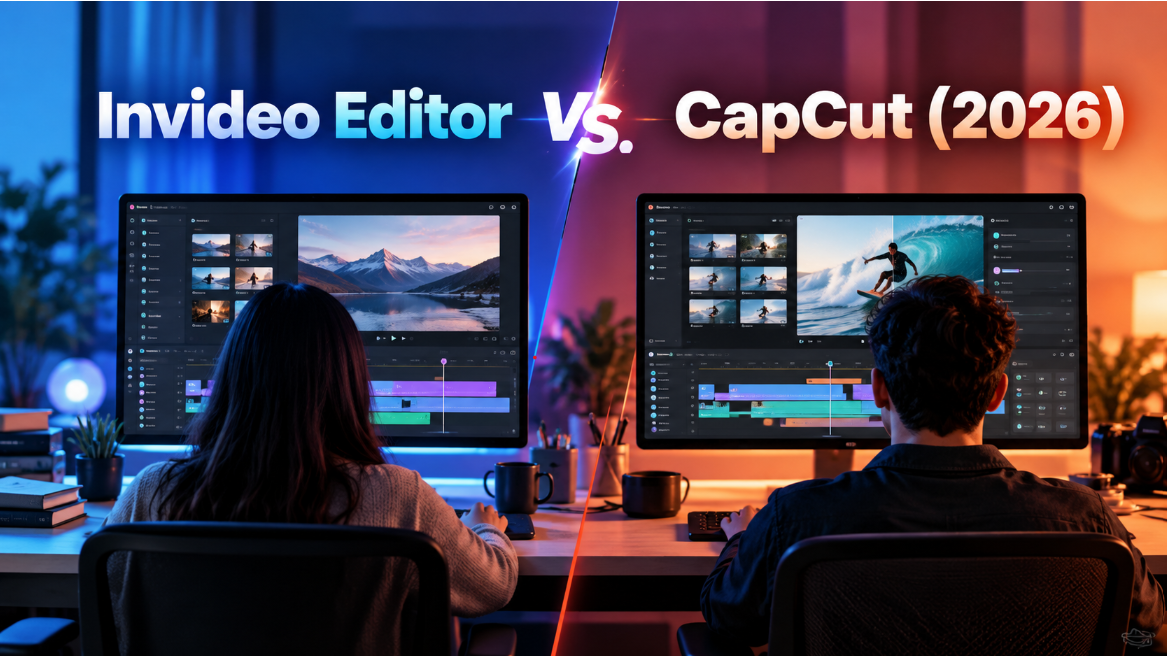
Invideo Editor and CapCut are both AI-assisted video editors, but they're built around very different workflows. Invideo Editor is an agentic timeline editor aimed at turning raw, unstructured footage into a finished cut, while CapCut is built for fast, mobile-first editing of shorter clips using templates and one-click AI tools. Both use AI to cut down manual work, just at different stages of the process and for different kinds of content.
That difference matters most once you know what you're actually starting with. A long recording that needs to be assembled from scratch is a different problem than a short clip that just needs captions and a quick reformat, and each tool is built to solve one of those better than the other. This comparison walks through how each tool actually works, what it's built for, and where it costs more than it's worth for the wrong kind of project.
Why the Comparison Isn't Really Apples to Apples
It's worth being upfront that Invideo Editor and CapCut solve different problems more than they compete head-to-head for the same job. Invideo Editor is closer to a professional editing timeline with an AI agent layered in, built for someone who has hours of raw footage and needs it turned into a coherent, finished piece. CapCut is closer to a fast, template-driven tool for content that's already mostly clip-sized, built for someone who needs a caption added, a background removed, or a video reformatted in a few taps.
That means the right answer often depends less on which tool is "better" and more on what stage of production you're actually in. Someone assembling a 90-minute podcast recording into a coherent episode has a different problem than someone reformatting a 30-second clip for three different platforms, even if both people would describe what they're doing as "editing."
How They Compare
| Criterion | Invideo Editor | CapCut |
|---|---|---|
| Editing approach | Agentic assembly from raw footage and a brief | Template-driven, one-click AI tools |
| Best footage type | Long, unstructured recordings | Short clips for social platforms |
| Manual timeline | Full manual timeline available | Simplified, mobile-friendly editor |
| Platform | Browser-based | Mobile app and desktop |
| Collaboration | Multiplayer editing on the same project | Limited to Teams plan |
| Learning curve | Moderate, more capability to learn | Low, built for quick use |
Invideo Editor
Invideo Editor starts from the opposite end of most editors: instead of opening on a blank timeline, it opens on your raw footage and a written brief, then an agent reviews everything, picks the usable takes, and assembles a working cut you can react to instead of building from scratch. That matters most for long, messy recordings, several takes of the same lines, false starts, multiple camera angles, since that's exactly the material an agent has real work to clear away.
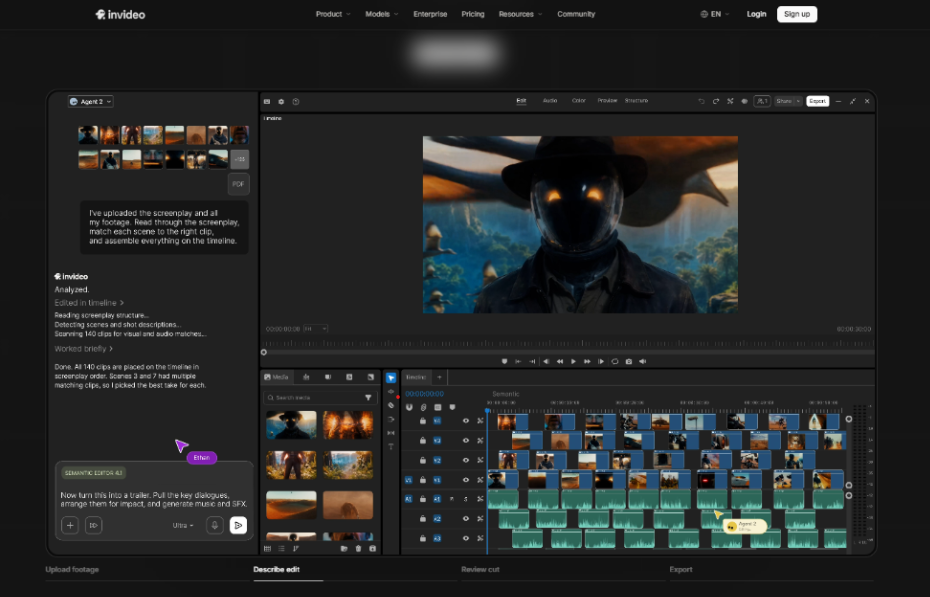
- Agentic assembly that builds a base cut from raw footage and a plain-language brief
- Automatic multicam syncing across camera angles
- Footage search by describing a moment instead of scrubbing manually
- A full manual timeline with keyframes, curves, and color wheels for hands-on polish
- Text- and reference-based color grading
- Shareable review links for feedback without exporting files
CapCut
CapCut is built around speed on short-form content. Its templates and one-click AI tools handle most of the technical work automatically, which makes it especially fast for editing directly from a phone.
Because it's designed around clips that are already close to their final length, CapCut doesn't ask much of the person using it. Most of the work happens by selecting a template or tapping a single AI tool, rather than directing an agent or building anything from a blank project.
- Auto captions generated without manual typing
- One-click background removal without a green screen
- Template-driven AI effects for guided, fast edits
- Mobile-first editing, so a video can be made entirely from a phone
- Auto-reframe for different aspect ratios
- A large library of trending templates and sounds
Which One Should You Use
Starting from long, raw footage that needs to be assembled into a full cut → Invideo Editor.
Editing short clips quickly for social platforms, often from a phone → CapCut.
Want a manual timeline available for hands-on polish after the AI's first pass → Invideo Editor.
Want auto captions and background removal without touching a timeline at all → CapCut.
Working with multicam footage or multiple takes that need to be synced and cleaned up → Invideo Editor.
Reformatting a finished clip for several different platforms quickly → CapCut.
FAQ
It depends on the format. Invideo Editor fits longer, raw-footage uploads better, since it assembles a full cut from scratch. CapCut fits YouTube Shorts and quick edits better.
Not really. CapCut's interface and templates are built for short vertical video, not assembling a long, unstructured recording into a full sequence.
Invideo Editor does, with a full timeline, keyframes, and color tools available even after an agent builds the first cut. CapCut's editor is simpler and more template-driven by design.
CapCut has a usable free plan, while Invideo Editor has no free tier and starts at $20/month. Which is cheaper overall depends on how much AI agent usage or manual editing depth you actually need.
Yes. A common workflow assembles a long recording into a finished cut with Invideo Editor, then uses CapCut to quickly reformat short clips pulled from that finished video for social platforms.

Could someone reasonably use both tools together? Yes. A common workflow assembles a long recording into a finished cut with Invideo Editor, then uses CapCut to quickly reformat short clips pulled from that finished video for social platforms.