
Video editing tools for businesses are software platforms that let a marketing, sales, or content team produce finished video, from product demos and social ads to internal training content, without outsourcing every project to a freelance editor or agency. Video has become a standard part of how businesses market, sell, and onboard, and the tool a team chooses shapes how fast that content gets made and how much it costs to produce. This guide covers why businesses need these tools, the main categories available, how to evaluate them, and a comparison of the leading options.
Why Businesses Need Video Editing Tools
Video now shows up across nearly every part of a business's external and internal communication: product demos, social ads, customer testimonials, onboarding and training content, and internal updates for distributed teams. Producing all of that through an outside agency or a single specialized hire doesn't scale well against that volume, and it slows down teams that need to publish on a weekly or even daily cadence. In-house video editing tools let a marketing or content team produce more video without a proportional increase in headcount or outsourcing spend.
Types of Video Editing Tools
like Adobe Premiere Pro and DaVinci Resolve give full frame-accurate control over every cut, transition, and grade, generally used by teams with a dedicated video editor on staff.
like Invideo Editor and Descript automate part of the editing process, generating a first cut or letting an editor cut by editing a transcript, which lowers the skill and time needed to produce a finished video.
like CapCut are built for fast, short-form content and are common among teams producing high volumes of social media video.
support a team editing or reviewing the same project together, which matters for businesses where video needs sign-off from more than one stakeholder.
How to Evaluate a Video Editing Tool for Your Business
Five things matter most when choosing. Team collaboration determines whether multiple people can work on or review a project without passing files back and forth.
Learning curve affects how quickly a non-specialist can produce usable video without dedicated training.
Brand consistency covers whether the tool can help maintain a consistent look and voice across every video a team produces.
Output flexibility determines whether one edit can be repurposed across the platforms a business actually uses.
Cost at scale matters too, since a tool that's affordable for one video can become expensive once a team is producing dozens per month.
Top Video Editing Tools for Businesses
| Tool | Best for | Key feature | Starting price |
|---|---|---|---|
| Invideo Editor | Teams producing marketing or training video from raw footage | Agentic assembly, collaborative review | $20/month |
| Descript | Teams producing tutorials, webinars, or internal training content | Transcript-based editing | Free (60 min/month) |
| CapCut | Teams producing high volumes of social media content | Auto captions, fast mobile editing | Free |
| Adobe Premiere Pro | Teams with a dedicated in-house editor | Full manual control, Firefly AI features | $22.99/month |
Invideo Editor
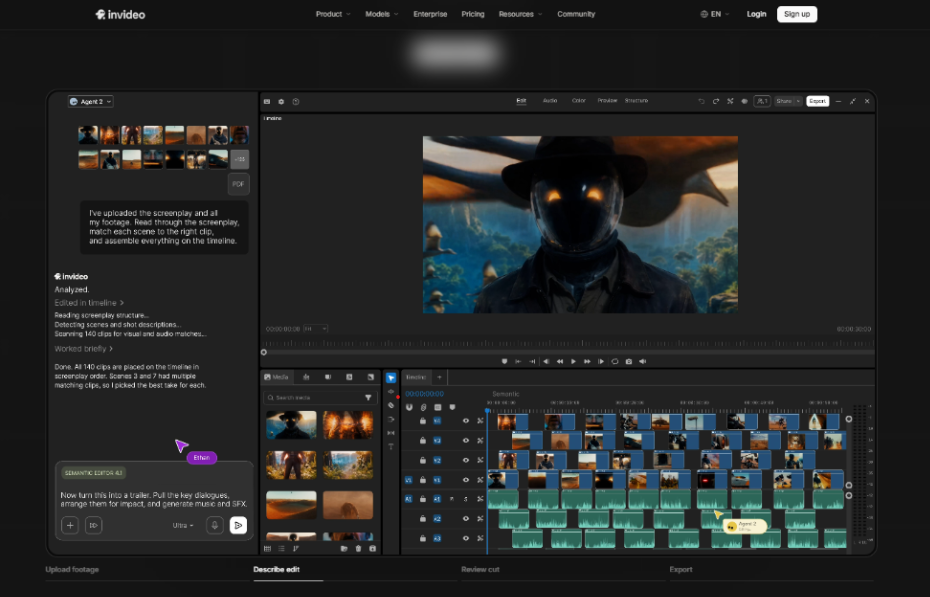
For a business producing marketing or training video regularly, invideo's AI video editor turns raw footage and a written brief into a working first cut, then keeps a manual timeline open for a team to finish. A shareable review link lets stakeholders leave frame-accurate feedback without needing an account, which matters for approval workflows involving people outside the editing team.
Descript
Descript transcribes footage automatically, so editing becomes a matter of deleting text rather than scrubbing a timeline. For businesses producing webinars, internal training videos, or tutorials, this significantly lowers the editing skill needed to ship usable content.

CapCut
CapCut's auto captions and template-driven effects make it well suited to businesses publishing frequent, short-form social content across multiple platforms.
Adobe Premiere Pro
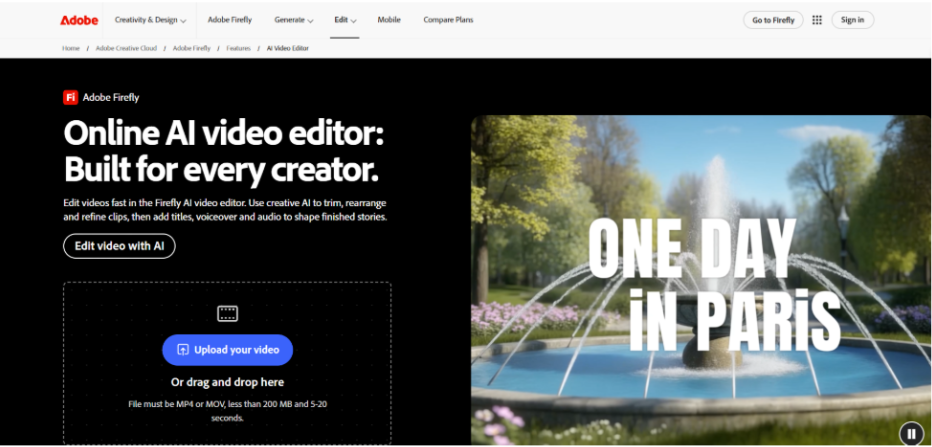
For businesses with a dedicated in-house editor, Premiere Pro offers frame-accurate control alongside Firefly-powered features like Generative Extend and footage search by description.
Rolling These Tools Into a Team Workflow
Adopting a new tool matters less than how a team builds it into their existing process. Assign one person to own the review and approval step, even when a tool supports shareable feedback links, so notes don't get lost across multiple stakeholders.
Standardize a brief format, whether that's a written prompt for an AI-assisted tool or a shot list for a traditional editor, so output stays consistent regardless of who's producing it.
Start with one recurring video type, like a weekly social clip or a monthly training video, before rolling a new tool out across every use case a team has.
FAQ
It depends on the content type. Descript suits teams producing talking-head or presentation content, while CapCut fits high-volume, short-form social video.
Not necessarily for straightforward content, but complex storytelling, brand-specific styling, and nuanced pacing decisions still benefit from a person with editing judgment.
Entry-level plans across these tools generally range from free to about $25 a month per user, with costs scaling based on usage, seats, and how much AI-assisted automation a team needs.
Yes, with browser-based tools like invideo editor, Descript, and CapCut's Teams plan, though the depth of real-time collaboration varies by tool.

Choosing the right video editing tool ultimately depends on the type of content a business produces, the skill level of the team, the required workflow, and the scale of production. The right platform can help a business produce consistent video content without adding unnecessary complexity to the production process.