Detailed Reviews of the Best Tools
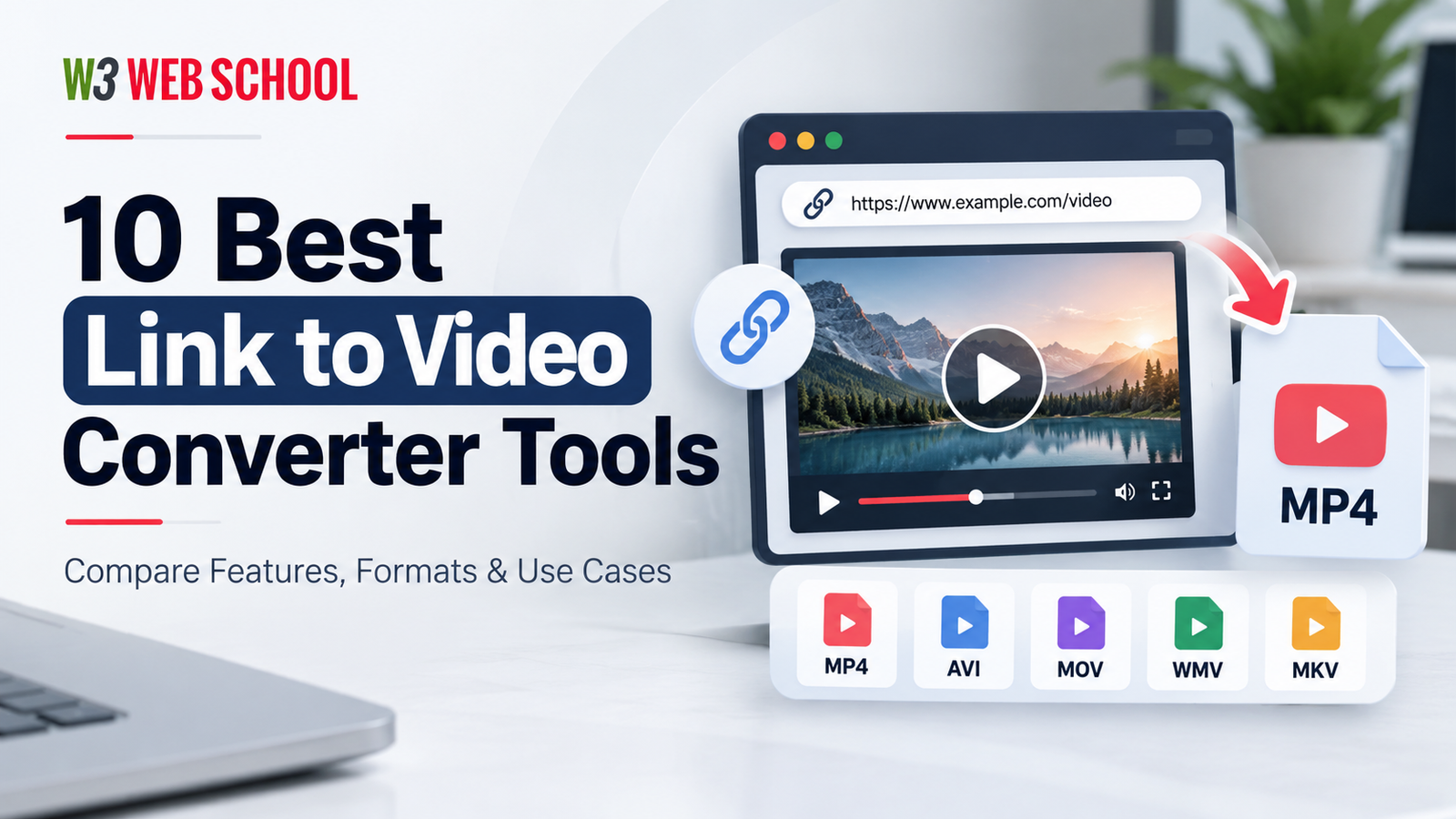
Below, I have listed down the six best links to video converter tools in addition to their exclusive features, pros and cons for your better understanding.
Let’s dive into learning more about these tools first.
Best for:
One of the most powerful and outstanding tools that enable users to convert URLs to catchy videos into high-quality, downloadable videos. With the exclusive AI-integrated editing feature, this tool is highly advisable for both content creators and video editing professionals.
Features
- URL to video conversion
- Easy drag-and-drop editor
- AI media library
- Generative AI feature
- Multilingual translation
- Text-based title generations
- Human-sounding voiceovers
- Text-to-video generation
- Magic Box editing
- Extensive media library
Pros
- High-quality video conversion without compromising the original quality
- Simple and user-friendly interface
- Easy drag-and-drop feature
- Recommended to content creators and video editors
- Accessibility over cloud storage integration
Cons
- The free trial version has basic features only
- Needs a stable internet connection for proper functionality
- Manual modifications are required for AI-powered content
Pricing
A free trial plan comes with InVideo AI for only 30 days. This free plan offers up to 10 GB of storage. Upon exceeding the free storage, you can choose from the paid pricing plans listed below.
- The Plus plan starts at $35 a month and offers 100 GB of storage
- The Max plan starts at $60 a month and offers 400 GB of storage
- The Generative plan starts at $120 monthly and offers 400 GB storage and 15m generative credits

Best for:
VEED.IO is another prominent tool that helps users save videos in different formats by converting them from URLs quickly. It is highly useful due to its simple user interface and quick processing.
Features
- Links to video conversion
- In-built editing tools with AI-integrated features
- Subtitle generation
- Easy drag-and-drop interface
- Multiple file types support such as MP3, M4A, and WAV
- Clip rearrangement feature
Pros
- Easy and simple user interface
- Access to cloud storage for video saving
- Multiple file format support
- Performs on all devices and operating systems
- AI-powered tools for easy and automated video editing
Cons
- There are watermarks on the free videos
- Advanced editing features, such as transition effects, are missing
- Only chat support is offered, but no phone support is present
- Limited stock footage library
- Frequent bugs are reported after updates
- Limited export quality
Pricing
VEED.io provides a free plan with some limited advanced features. If you are seeking higher-quality video conversion and downloading features, you must go for their paid pricing plans below.
- The Lite plan starts at $12 a month for beginners
- The Pro plan starts at $24 a month
- The Enterprise plan is custom-built, and pricing is as per usage
Best for:
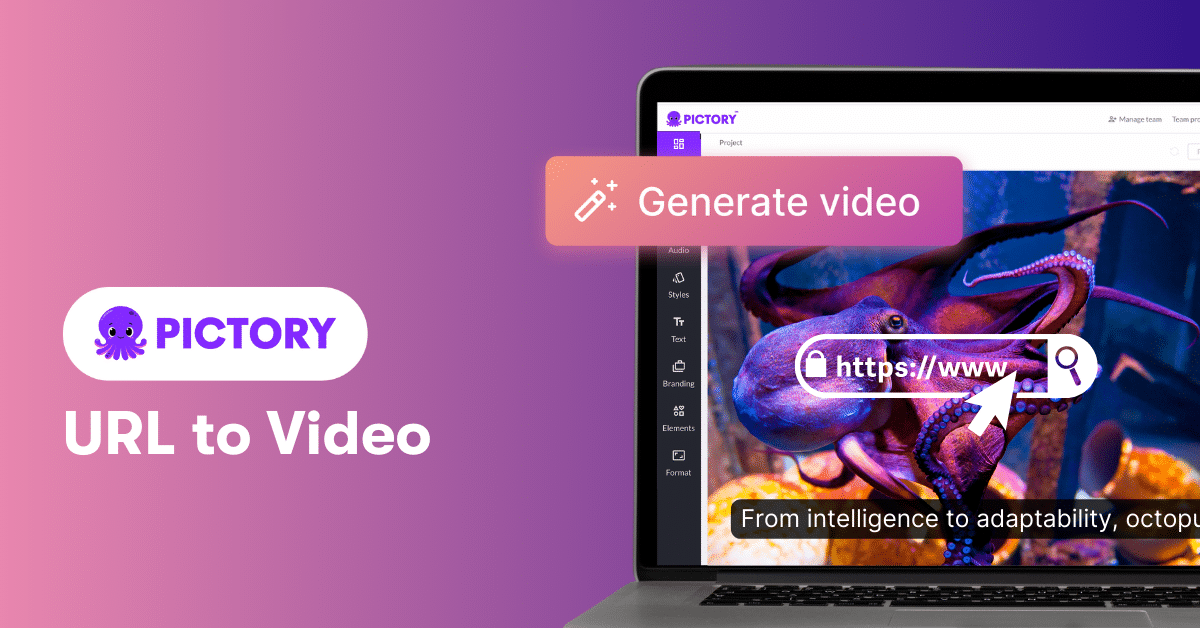
Pictory is an excellent tool for high-quality video conversion and downloading. This tool enables users to transform a URL into downloadable file formats, offering automated video editing.
Features
- Link to video conversion
- Text-to-video generation features
- Automated captions and subtitles support
- Extensive template library
- Multiple social platform integrations
- Pre-built templates
- Caption addition feature
- Repurpose videos for other platforms
- Online functions with no required installation
- Stock image and music support
- AI-integrated voiceovers
- Easy user interface
- Custom animations
Pros
- Quick video editing
- High-quality video export
- Batch processing for a large number of videos
- Free trial availability
Cons
- Limited features and export options with the free version
- Advanced features are limited to paid pricing plans
Pricing
Pictory AI has offered a free trial plan with some basic features. If you wish to get some AI-integrated features, you can choose from the below-paid pricing plans.
- The Starter plan starts at $25 a month, offering one user
- The Professional plan starts at $49 a month, offering one user
- The Team plan starts at $119 a month, offering 3+ users
- The Enterprise plan starts at $975 a month, offering 5+ users
A 14-day money-back guarantee is also provided with Pictory if their advanced features don’t fit your requirements.

Best for:
Vidnoz AI is another prominent link to video converter tool that boosts your video editing and making experiences. This AI-powered tool helps you to convert video 10x faster. This tool is highly recommended to video makers and content creators.
Features
- Fast link to video conversion
- Video templates
- Custom AI avatar
- AI voice
- AI video editor
- Custom brand kit
- 1-click video translation
Pros
- Fast video processing
- Free for commercial usage
- High-quality export feature
- User-intuitive interface
- No software installation is needed
Cons
- Free plans have limitations
- Some major AI features need access to premium plans
Pricing
Vidnoz AI comes with a free trial plan offering basic features like AI avatars, video templates, and free commercial usage. But you can only explore more advanced features with its paid pricing plans.
- The Starter plan starts at $26.99 a month
- The Business plan starts at $74.99 a month
- The Enterprise plan is custom-built, and pricing is as per usage
Best for:
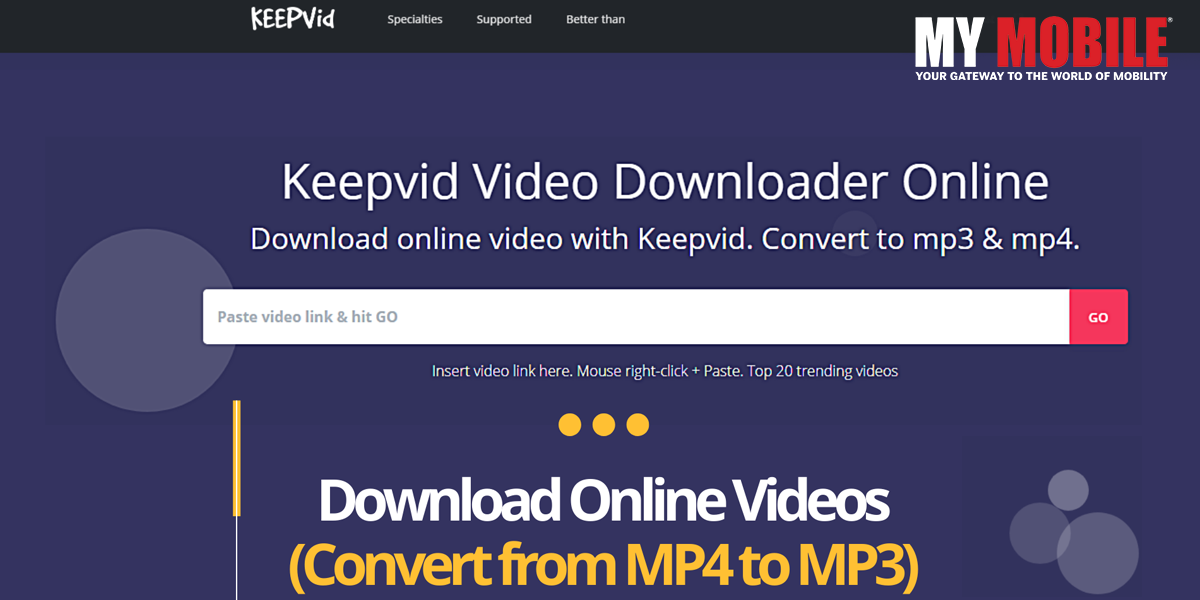
Another great online link to video converter and downloader is KeepVid. This popular video converter tool enables users to convert directly from links and then save them from different platforms. This tool supports multiple file formats also.
Features
- URL to video conversion
- YouTube to MP4 conversion
- Subtitle downloader
- Video saving feature
- Multiple file formats support such as MP4, AVI, and more
- Fast access to browser extensions
- High-quality video downloads
Pros
- User-intuitive interface
- No software installation is required
- Multiple website support for video conversion and downloading
- Free usage of basic features
Cons
- Ads on the free version
- Limited features on the free version and advanced features are accessible through premium tools
Pricing
KeepVid is described in the source content as free and open-source software with no paid pricing plans. Verify its current licensing and official offering before publishing this claim.

Best for:
ClipGrab is another excellent link to video converter that improves your video experience. This particular tool is supported by various devices and OS. This tool helps you save and download videos and is recommended to content creators and video editing experts.
Features
- Search functionality
- Video downloading from multiple devices
- Multiple format support
- Batch downloads
- Link-to-video conversion
- Regular updates
- In-built search options
- High-quality audio extraction
- User-intuitive interface
Pros
- 100% free to use
- Scheduler
- Cross-platform compatibility
- Simple and easy user interface
- High-quality video downloads
- Subtitle downloading
- Clipboard monitoring
- Supported by multiple OS
- Easy drag-and-drop feature
- Ad-free version available
Cons
- Slower speed
- Bundled extra software may be included in some installers
- Limited advanced features
- Absence of in-built video editing software
- Low conversion speed
- Software installation is essential to get advanced options
Pricing
This tool is described in the source content as a 100% free and open-source link to video converter.

Best for: AI Avatar Videos
Synthesia is an AI video creation tool that turns scripts and supported content into professional videos with AI avatars, voiceovers, and multilingual support. It is useful for training, tutorials, and presentations.
Features
- AI avatars
- Text-to-video
- AI voiceovers
- Multilingual videos
- Custom templates
Pros
- No camera required
- Multiple languages
- Easy video updates
Cons
- Limited free usage
- Paid advanced features
- Robotic avatar feel
Pricing
It offers a free plan with basic features. Paid plans include the Starter plan at $14 a month, the Pro/Creator plan starting at $59 a month, and a customized Enterprise plan.

Best for: AI Product Videos
Tagshop AI helps users create product videos and social media ads using AI avatars, scripts, and supported product URLs. It is especially useful for e-commerce brands and digital marketers.
Features
- URL-to-video
- AI avatars
- Product video ads
- AI voiceovers
- Ad templates
Pros
- Fast ad creation
- Multiple ad variations
- E-commerce focus
Cons
- Credit-based usage
- Limited free features
- Manual editing needed
Pricing
It offers paid pricing plans. The Starter plan is $29 a month, the Growth plan is $69 a month, and the Pro plan is $129 a month.
Best for: Short-Form Video Clips
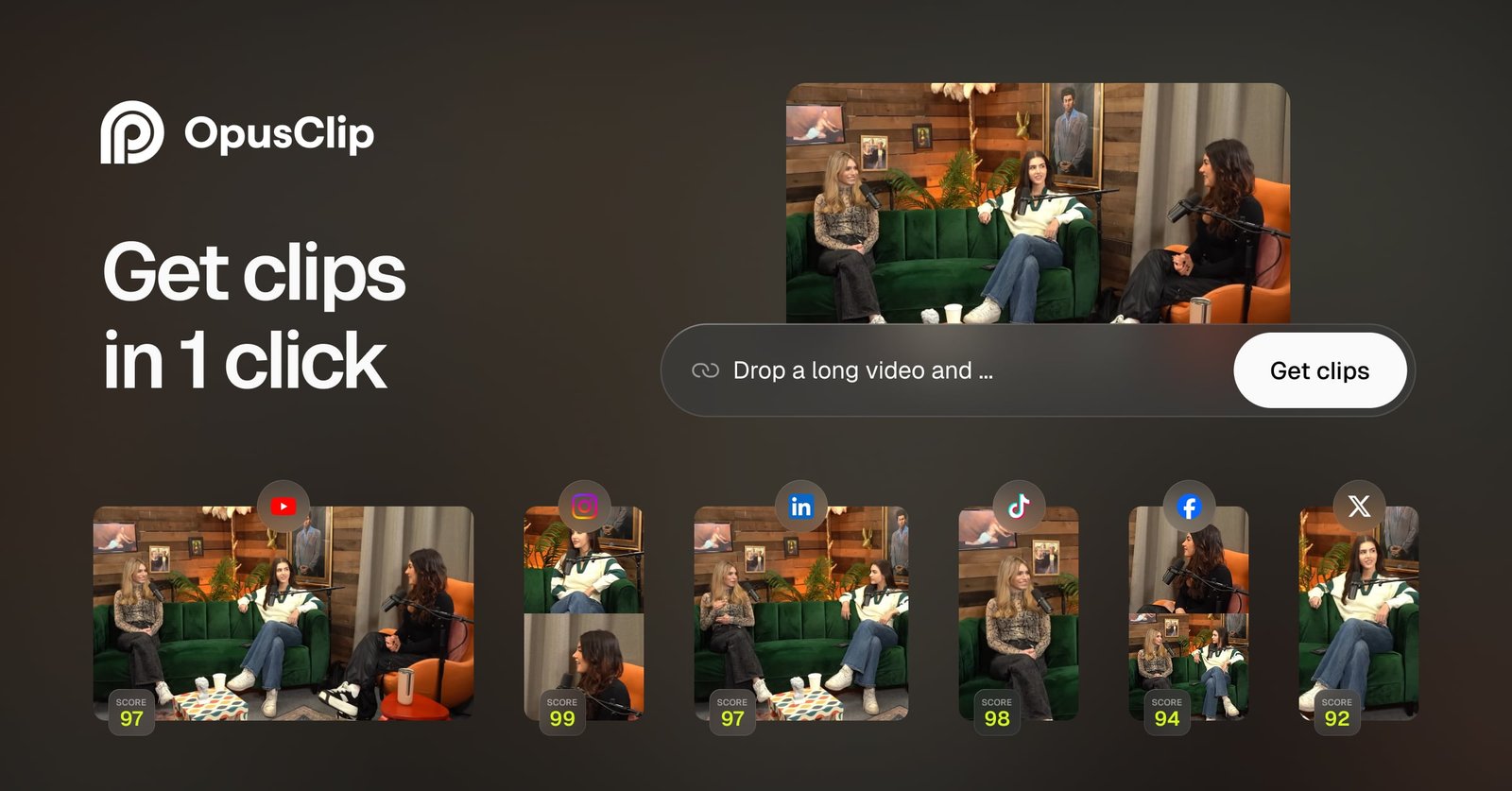
OpusClip uses AI to turn long videos, podcasts, and webinars into short clips for social media. It offers features such as automatic captions, smart reframing, and highlight selection.
Features
- AI clip selection
- Automatic captions
- Smart reframing
- AI B-roll
- Social media formats
Pros
- Saves editing time
- Quick clip creation
- Easy repurposing
Cons
- Context loss
- Caption corrections
- Processing limits
Pricing
OpusClip offers free access to basic features. Paid pricing plans include the Pro plan starting at $29 a month and the MAX plan starting at $129 a month.

Best for: AI Presenter Videos
HeyGen is an AI video platform for creating presenter-style videos with digital avatars, AI voiceovers, and video translation. It is useful for marketing, product explainers, and multilingual content.
Features
- AI avatars
- Text-to-video
- Voice cloning
- Video translation
- Lip-sync technology
Pros
- No filming needed
- Multilingual content
- Custom avatars
Cons
- Limited free plan
- Paid advanced features
- Voice inconsistencies
Pricing
A free plan is also available along with paid pricing plans. The Creator plan starts at $29 a month, and the Pro plan starts at $49 a month.
Note: Pricing, free-plan limits, features, and licensing terms can change. Confirm the latest details on each tool’s official website before publishing or purchasing. Video download availability also depends on the source website and its permissions.