W3 Web School

W3 Web School • Dum Dum, Kolkata

About W3 Web School - Building Practical Digital Careers Since 2012

W3 Web School is a Kolkata-based digital marketing and IT training institute offering practical, career-focused programs across digital marketing, web development, UI/UX design, graphic design, and other industry-relevant skills. Our approach combines trainer-led learning, practical projects, industry tools, and career guidance to help students build skills relevant to today's digital workplace.

Training centre: 214/1 Dumdum Road, Kolkata, West Bengal 700074
12+ Years Classroom Experience
20,000+ Students Guided
150+ Hiring Partners
4.9★ Google Rating

Empowering Careers Through Practical Learning Since 2012

W3 Web School is a Kolkata-based digital marketing and IT training institute established in 2012. The institute focuses on practical, career-oriented learning across areas such as digital marketing, web development, UI/UX design, graphic design and other industry-relevant skills.

Over the years, our training approach has evolved with changing technologies, tools and workplace requirements. Along with classroom concepts, students are encouraged to develop practical skills through guided exercises, projects, trainer interaction and career-focused preparation.

Our aim is to make professional skills easier to learn and apply, whether a learner is starting a career, developing an existing skill set, or preparing for a new professional direction.

Practical learning Trainer guidance Project-based exposure Career support

Why Students Choose W3 Web School

Students choose W3 Web School for a practical learning approach that combines trainer guidance, project exposure, industry-relevant tools and career-focused support across digital and IT training programs.

Practical, Skill-Based Learning

Learn concepts through guided practice, tools, assignments and practical activities instead of relying only on classroom theory.

Experienced Trainer Guidance

Learn directly with trainer support, explanations, feedback and guidance throughout the learning process.

Project-Based Exposure

Apply what you learn through practical assignments and project work that help connect concepts with real-world workflows.

Industry-Relevant Tools

Build familiarity with relevant professional tools and workflows used across digital marketing, development, design and other training areas.

Career-Focused Support

Get guidance related to portfolios, interviews, professional skills and the transition from learning to job opportunities.

Learning Support

Students can ask questions, clarify concepts and receive guidance as they progress through their respective training programs.

Learning approach: Concepts → Practice → Projects → Feedback → Career Preparation

How We Train Students at W3 Web School

Our training approach connects concepts with practice so students can gradually build confidence using relevant tools, completing projects and preparing for professional opportunities.

Applied across Digital Marketing, Web Development, UI/UX Design, Graphic Design & Other IT Skills
01

Start With Clear Learning Goals

Students begin by understanding the key skills, concepts and career direction relevant to their chosen training program.

02

Build Strong Foundations

Trainers explain core concepts step by step so learners can develop a clear understanding before moving into more advanced topics.

03

Learn Through Practice

Students work with relevant tools, exercises and guided activities to connect classroom concepts with practical application.

04

Apply Skills Through Projects

Assignments and project work give learners opportunities to apply their knowledge and understand how skills are used in practical workflows.

05

Receive Trainer Feedback

Trainer interaction helps students clarify doubts, understand mistakes and improve their approach as they progress through the program.

06

Prepare for Professional Opportunities

Career-focused guidance can include portfolio development, interview preparation, professional skills and support during the job-search process.

Learning Progression
Guidance Concepts Practice Projects Feedback Career Preparation
Our People & Support

Meet Our Team

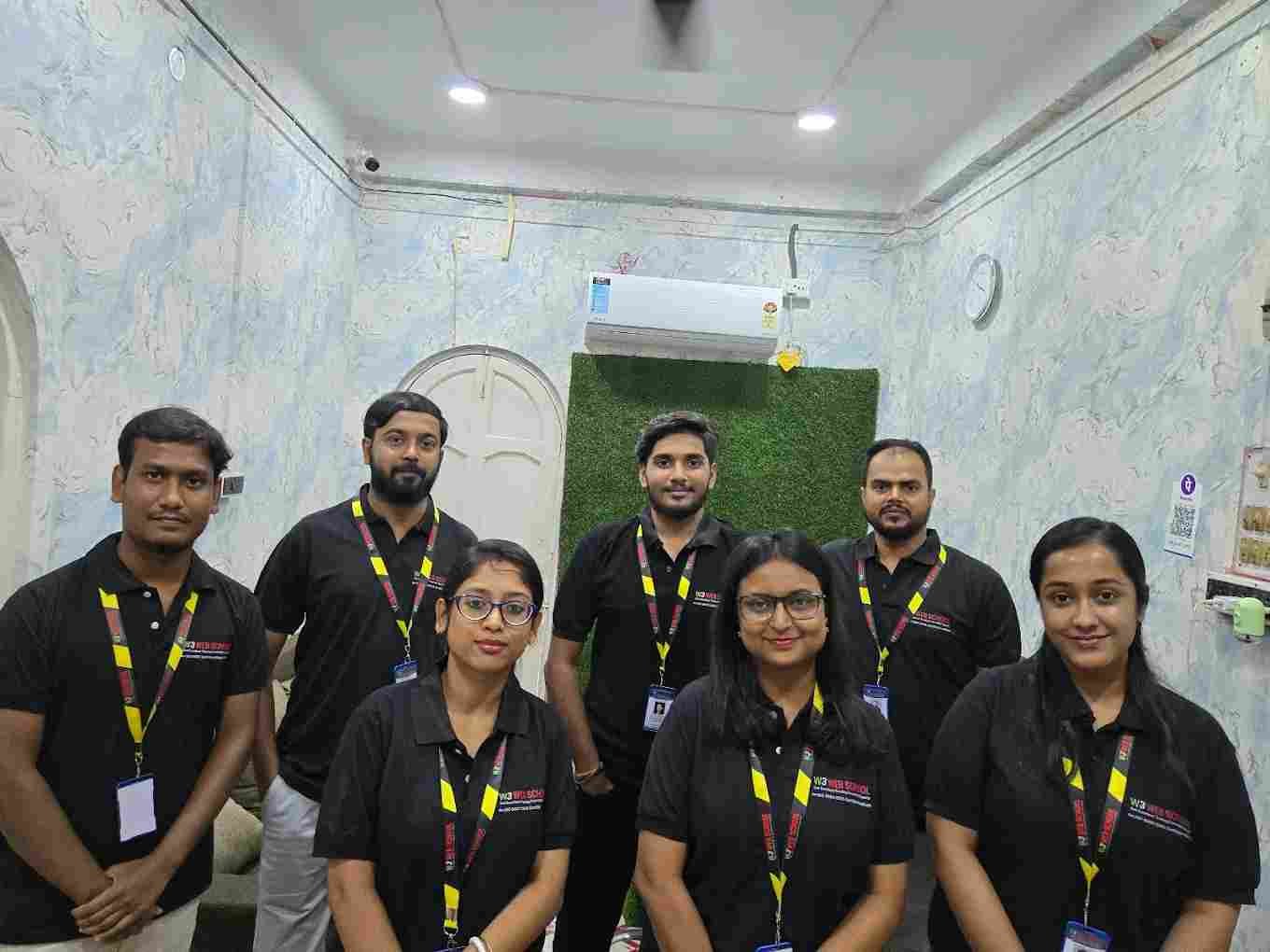
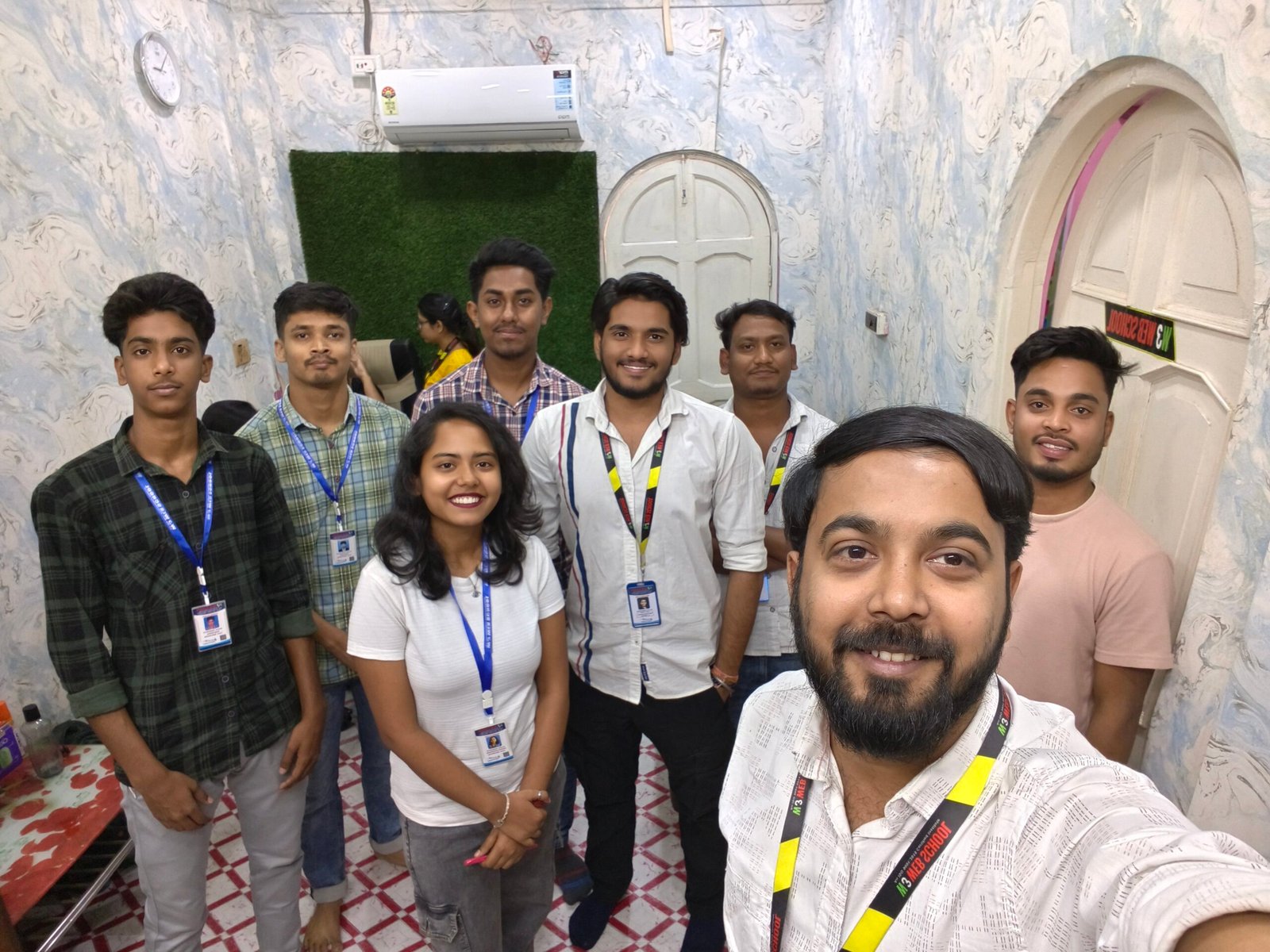
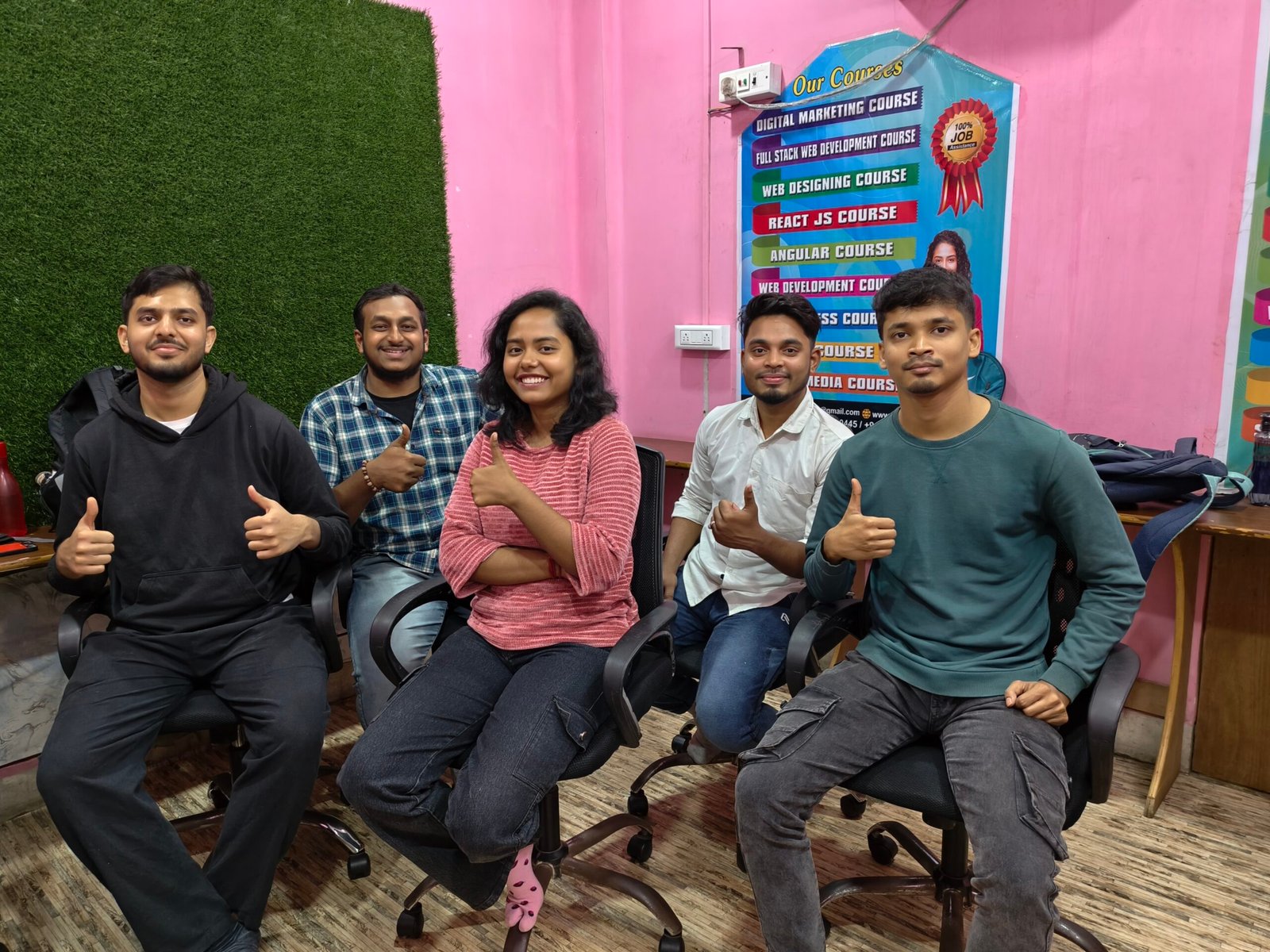
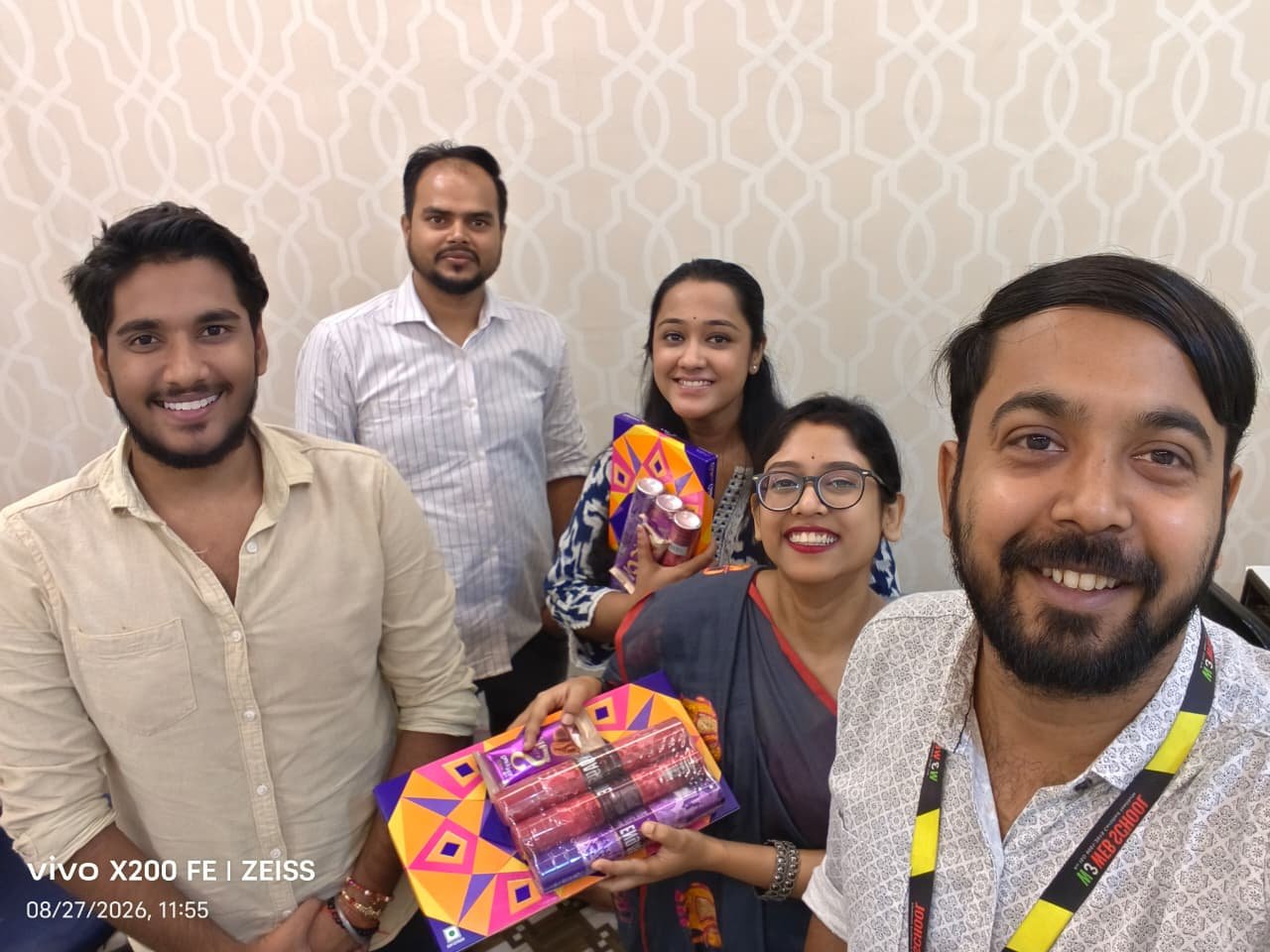
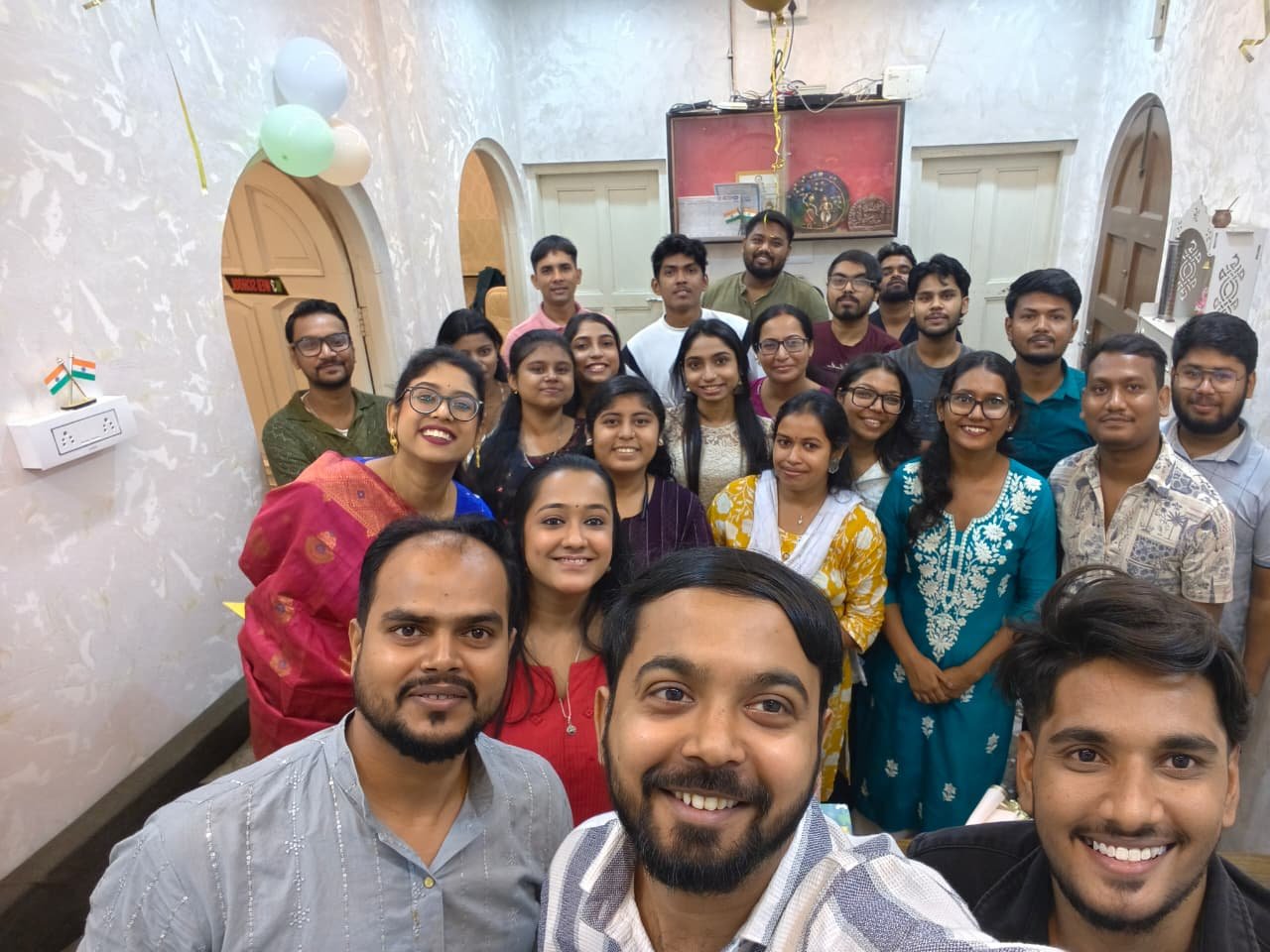
Behind every learning experience at W3 Web School is a team of trainers and student-support professionals who help learners understand concepts, build practical skills and navigate their training journey.

Training Ankit Singh – Digital Marketing Trainer at W3 Web School

Ankit Singh

Digital Marketing Trainer

Guides students through core digital marketing concepts, practical campaign exercises, and step-by-step doubt resolution in classroom sessions.

Digital Marketing Campaigns Practical Exercises
Training Shaheel Khan – Digital & Web Trainer at W3 Web School

Shaheel Khan

Digital & Web Trainer

Focuses on bridging digital strategies with web fundamentals, helping learners understand how marketing and website execution work together.

Digital Strategy Web Essentials Practical Workflows
Design Bholanath Hore – Graphic & UI Design Mentor at W3 Web School

Bholanath Hore

Graphic & UI Design Mentor

Helps design students develop layout, visual hierarchy and UI design skills through guided practice and project feedback.

Graphic Design UI/UX Design Tools
Student Support Puja Sur – Student Counselor at W3 Web School

Puja Sur

Student Counselor · Academic Guidance

Supports prospective and current students with course selection, learning-path discussions and academic guidance throughout their training journey.

Career Guidance Course Counselling Student Support
Training Poulami Dalal – Digital Marketing Trainer at W3 Web School

Poulami Dalal

Digital Marketing Trainer

Trains students in practical digital marketing strategies, campaign execution and content approaches for online channels.

Digital Marketing Campaign Strategy Practical Training
Development Bidyut Hazra – MERN / Full Stack Trainer at W3 Web School

Bidyut Hazra

MERN / Full Stack Trainer

Guides full-stack development students through programming logic, framework concepts and coding project implementation.

MERN Stack Full Stack Web Development

A collaborative team supporting learning through training, mentoring, academic guidance and practical skill development.

Support Beyond the Classroom

Learning does not end with classroom concepts. Students can receive guidance through practice, projects, doubt clarification and career-focused preparation as they progress through their training.

Support is designed to complement learning across digital marketing, web development, design and other IT skill areas.

Trainer Guidance

Get guidance from trainers while learning concepts, using tools and working through practical exercises.

Doubt Clarification

Ask questions and clarify concepts during the learning process so that important topics are easier to understand.

Practical Project Support

Receive guidance while working on assignments and projects to better connect concepts with practical workflows.

Portfolio Guidance

Get guidance on presenting relevant projects and practical skills in a clear portfolio for future professional opportunities.

Interview Preparation

Build confidence for interviews through guidance around professional communication, project discussion and role-related preparation.

Career Guidance

Understand possible career directions and receive practical guidance as you prepare for your next professional step.

Student Support Journey
Learn Practise Build Get Feedback Prepare

Our Commitment to Practical Learning

We aim to make professional skills easier to understand, practise and apply through structured training, trainer guidance and practical learning experiences.

01

Learning That Connects With Practice

Concepts are introduced with opportunities to practise relevant tools, techniques and workflows.

02

Guidance That Supports Progress

Students can interact with trainers, clarify doubts and receive feedback as they move through their training.

03

Relevant Skills for Professional Learning

Training focuses on relevant tools, skills and practical activities that help students understand how their learning connects with professional workflows.

04

Preparation for the Next Step

Students are encouraged to build practical skills, projects and professional confidence as they prepare for future opportunities.

Our focus is simple: help learners understand what they are learning, practise it with guidance and become more confident applying their skills.

What Students Can Build Through Training

Training is designed to help students develop practical knowledge, work with relevant tools and build confidence applying their skills to projects and professional situations.

Outcome 01

Practical Skills Foundation

Build a clearer understanding of the concepts, tools and workflows relevant to your chosen training area.

Outcome 02

Hands-On Practice

Use practical exercises and guided activities to move beyond concepts and gain experience applying what you learn.

Outcome 03

Project Experience

Work on assignments and projects that help connect learning with practical tasks and professional workflows.

Outcome 04

Portfolio Development

Build and organise relevant work that can help demonstrate your practical skills when exploring future opportunities.

Outcome 05

Professional Confidence

Develop greater confidence discussing your work, explaining concepts and applying your skills in practical situations.

Outcome 06

Career Preparation

Prepare for the next step through guidance around professional communication, interviews and understanding possible career directions.

Learn Practise Build Improve Prepare

The exact learning experience and outcomes can vary by course, learner effort and individual progress.

Our Training Areas

W3 Web School offers training across digital marketing, web development, design and other technology-focused skill areas, helping learners choose a path that matches their interests and professional goals.

AREA 01

Digital Marketing

Build practical skills across SEO, paid advertising, social media, content and digital campaign workflows.

Training Area
AREA 02

Web Development

Learn website and application development concepts through practical coding, frameworks and project-based learning.

Training Area
AREA 03

UI/UX Design

Develop skills in user experience, interface design, visual structure and design workflows.

Training Area
AREA 04

Graphic Design

Learn visual communication, layout, branding and practical graphic design techniques.

Training Area
AREA 05

Data & Analytics

Develop an understanding of data handling, analysis, reporting and tools used to support business decisions.

Training Area
AREA 06

Other IT Skills

Explore additional technology-focused training areas designed around practical and professionally relevant skills.

Training Area

Visit W3 Web School in Kolkata

Visit our training centre to learn more about our courses, meet the team and understand the available learning options before you enrol.

Training Campus

Kolkata Learning Centre

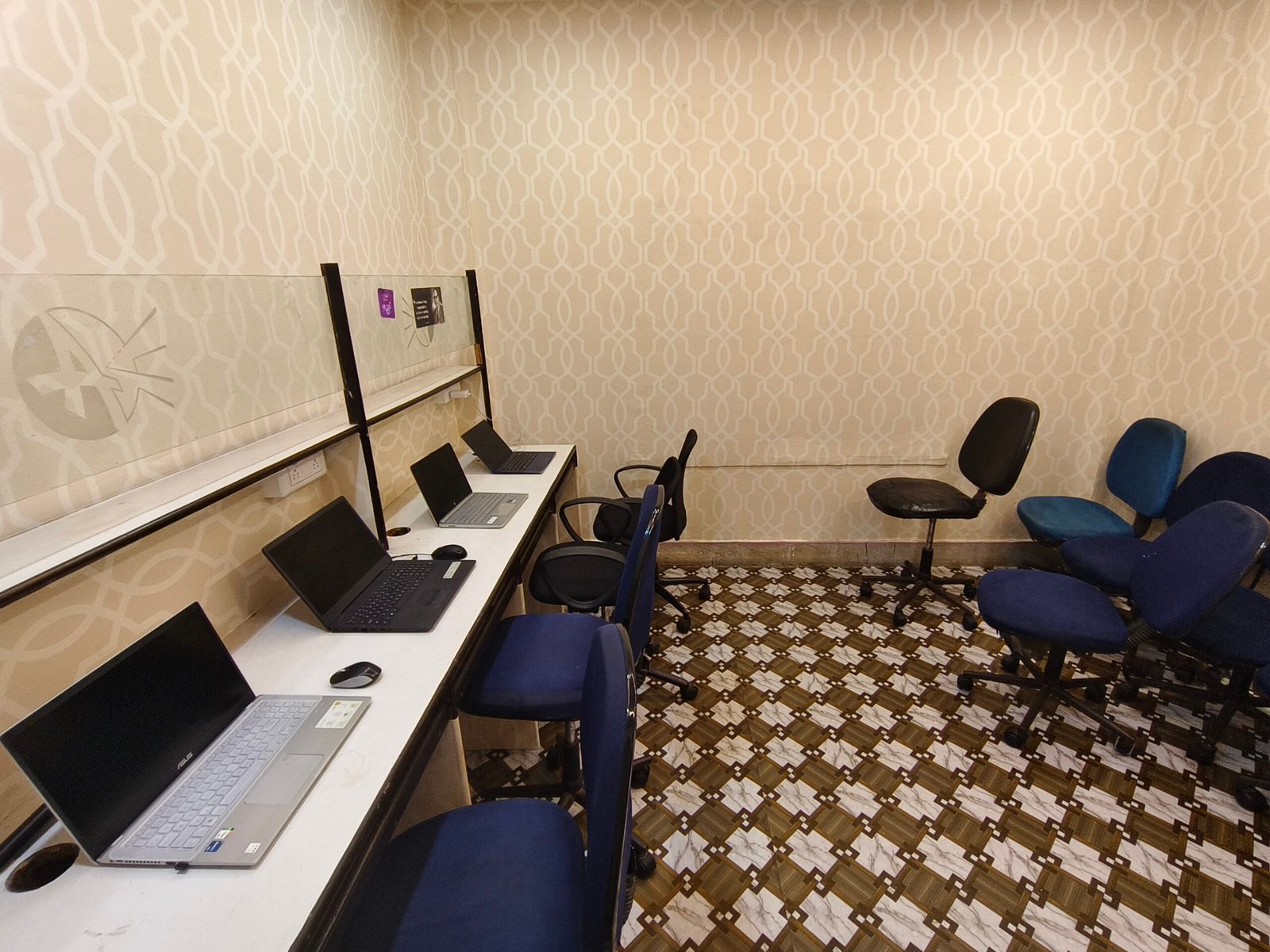
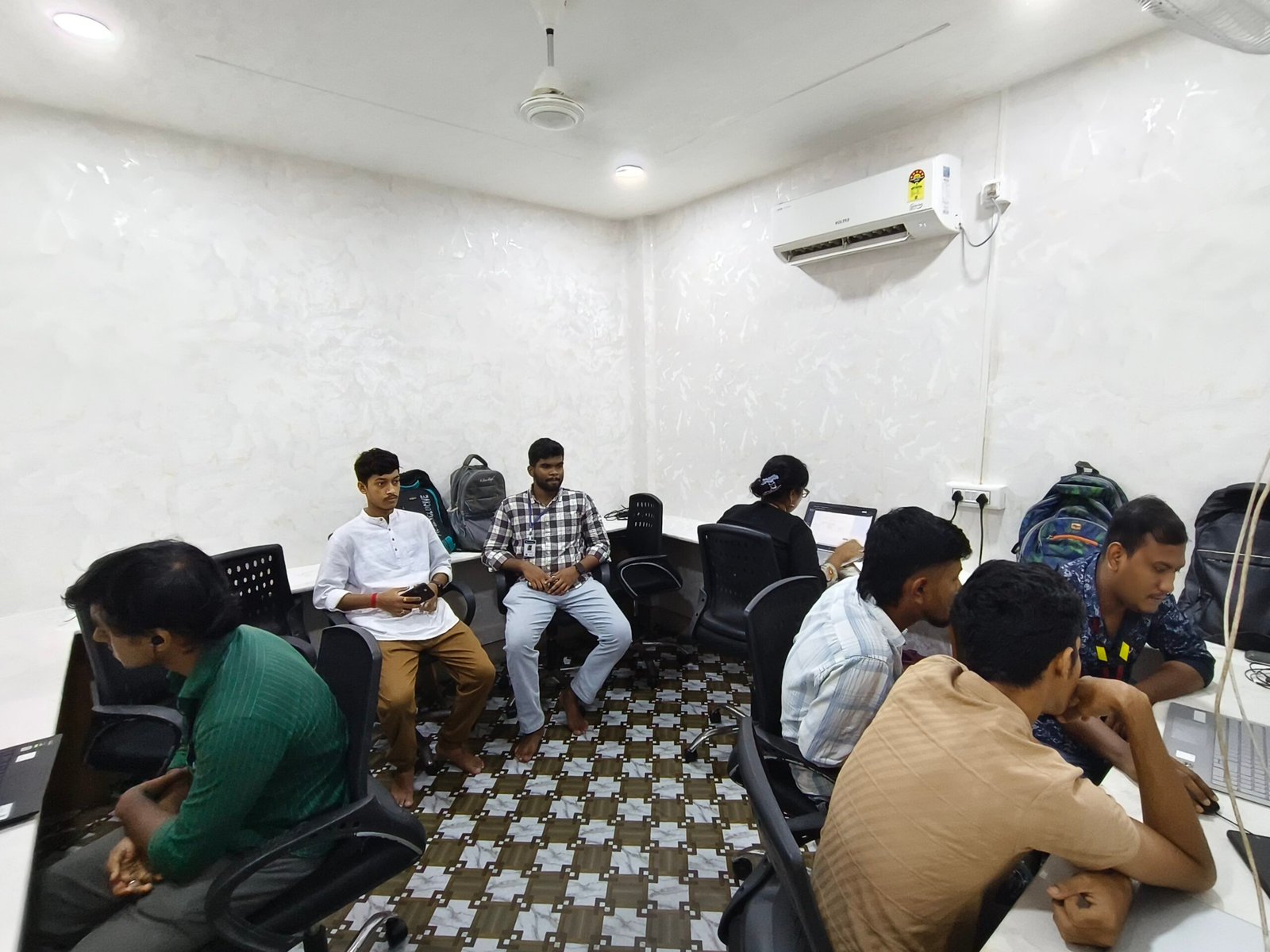
Our Dumdum Road centre offers accessible facilities for students interested in classroom instruction, hands-on learning guidance, or discussing suitable training options directly with our team.

Training Centre

W3 Web School, 214/1 Dumdum Road, Kolkata, West Bengal 700074.

Learning Formats

Offline classroom and live online learning options are available.

Plan Your Visit

Speak with the course team to understand course options and choose a suitable learning path.